基于SpringBoot2+vue2的校园失物招领系统
温馨提示:
本文最后更新于 2026年06月03日,已超过 7 天没有更新。若文章内的图片失效(无法正常加载),请留言反馈或直接联系我。
1. 资源
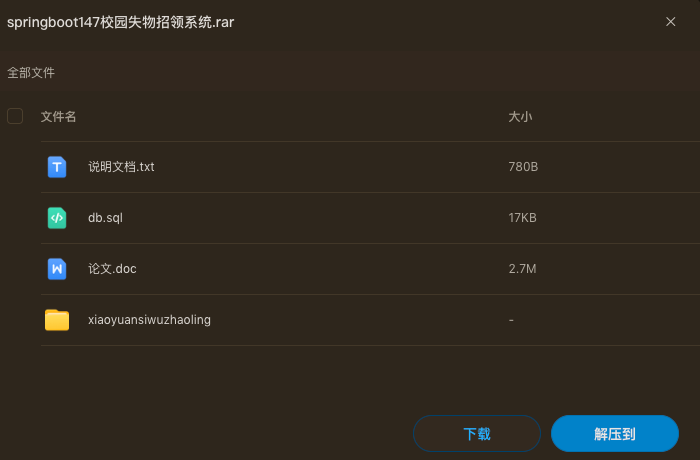
放到最后面
2. 项目简介
校园失物招领系统是一个基于Spring Boot + MyBatis-Plus开发的Web应用,旨在为校园师生提供便捷的失物招领与物品挂失服务。系统支持两类角色:管理员和普通用户。
- 管理员:管理用户、失物招领信息、失物认领、物品挂失、论坛帖子、公告、宣传视频、基础数据(如物品类型、公告类型等)以及轮播图配置。
- 普通用户:注册/登录、发布失物招领、发布物品挂失、认领他人丢失的物品、留言评论、参与论坛讨论、浏览公告和宣传视频、管理个人信息。
系统采用前后端分离架构,后端提供RESTful API,前端包含Vue管理后台和基于layui/Vue的移动端/PC端用户界面。
3. 技术栈
| 技术 | 说明 |
|---|---|
| 后端框架 | Spring Boot 2.2.2.RELEASE |
| 持久层 | MyBatis-Plus 2.3 + MyBatis |
| 安全认证 | Apache Shiro 1.3.2 (实际使用Token拦截器) |
| 数据库 | MySQL 5.7.32 |
| 前端管理端 | Vue 2.x + Element UI + ECharts |
| 前端用户端 | HTML + layui + Vue 2.x + Element UI (部分) |
| 工具库 | Hutool, Fastjson, Commons-lang3, POI等 |
4. 详细介绍
4.1 功能模块
4.1.1 用户端功能
- 注册与登录:用户可通过用户名、密码注册,登录后获取Token。
- 个人中心:修改个人信息(姓名、性别、身份证号、手机号、头像)、重置密码。
- 失物招领:
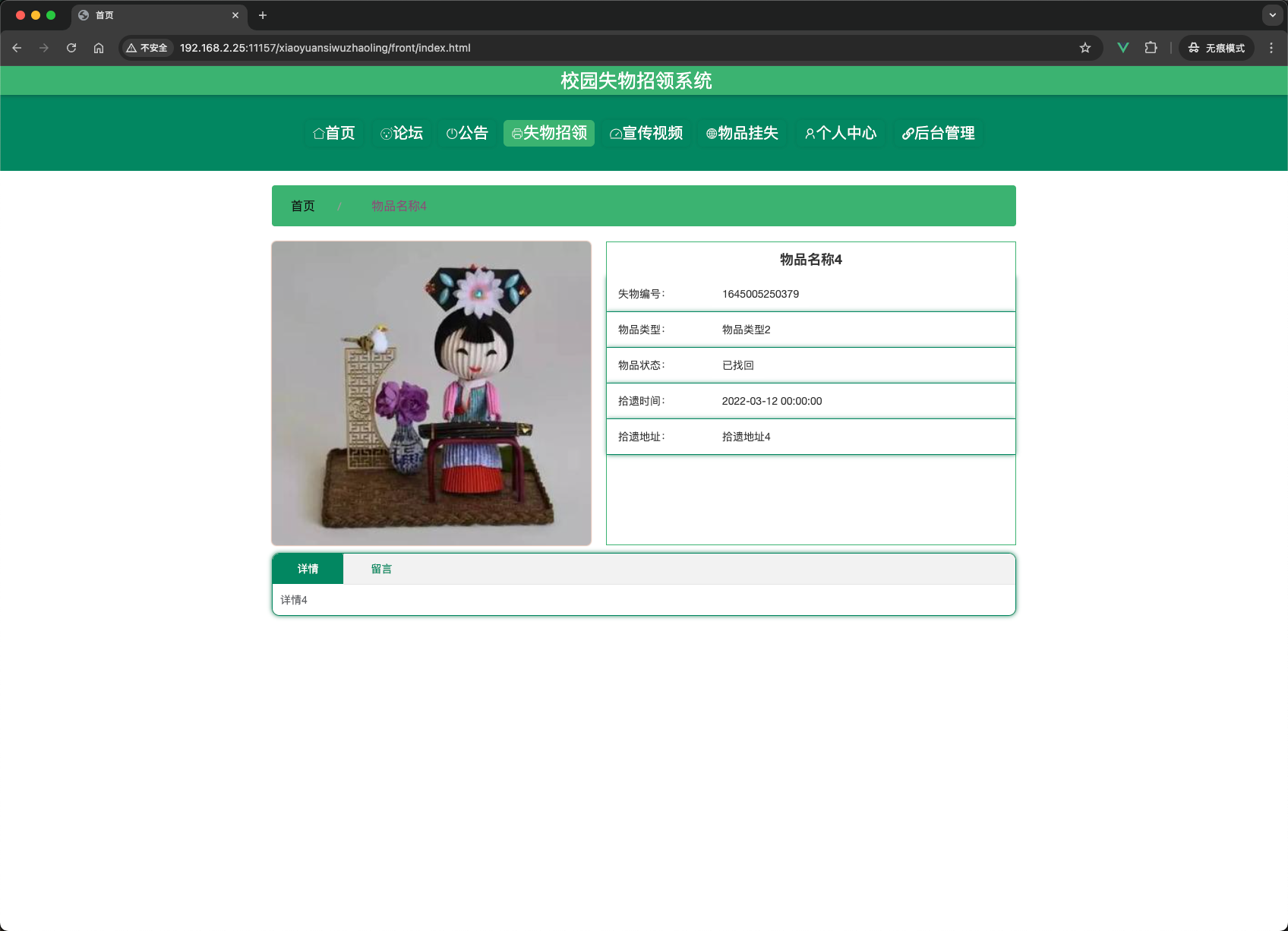
- 查看所有失物招领列表(可按物品类型、状态筛选)。
- 发布失物招领(填写物品名称、类型、拾遗时间/地点、详情、上传图片)。
- 查看失物招领详情,并留言或认领该物品。
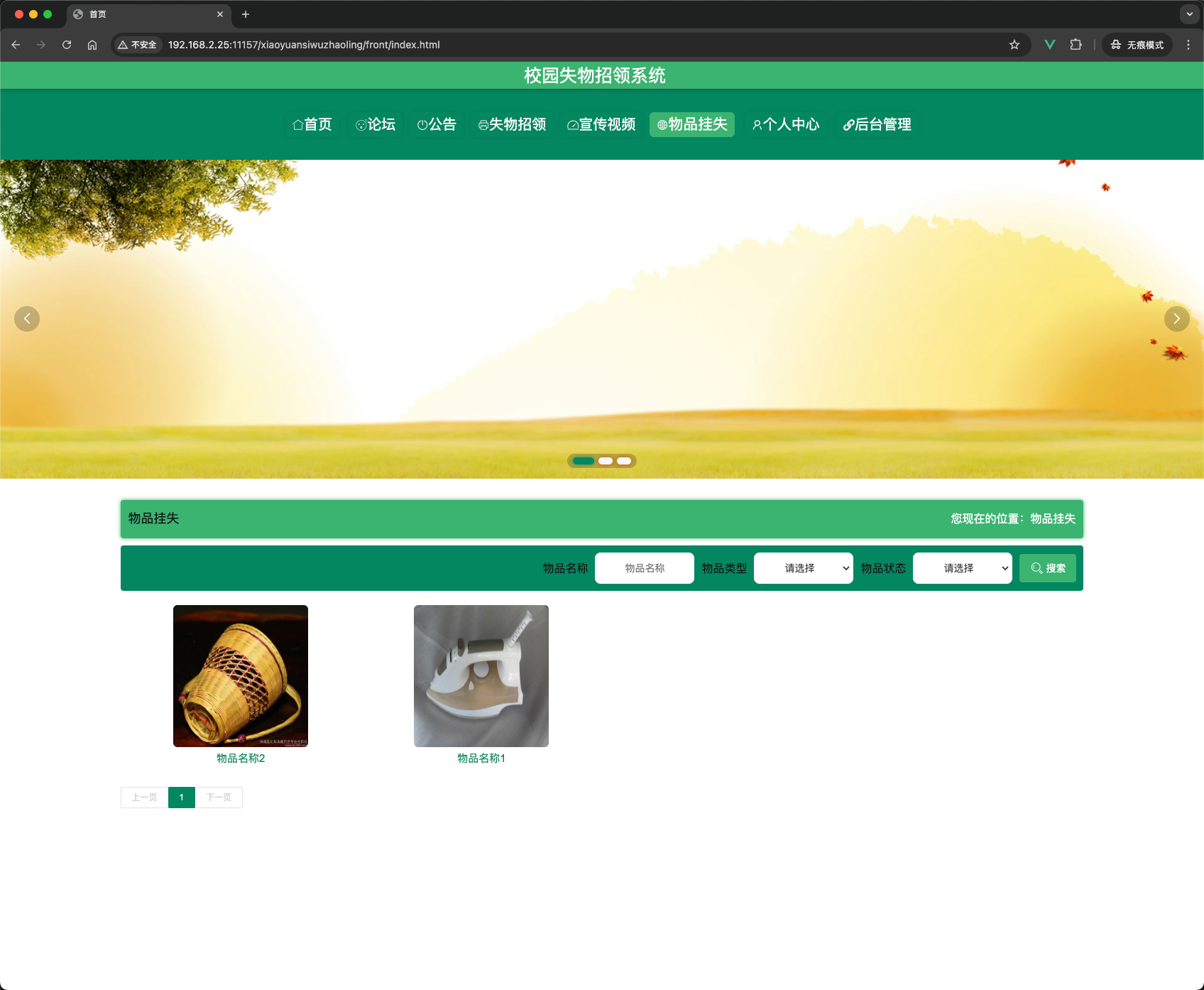
- 物品挂失:
- 发布挂失信息(物品名称、类型、丢失时间/地点、详情、上传图片)。
- 查看挂失列表,对其他用户的挂失进行留言。
- 失物认领:
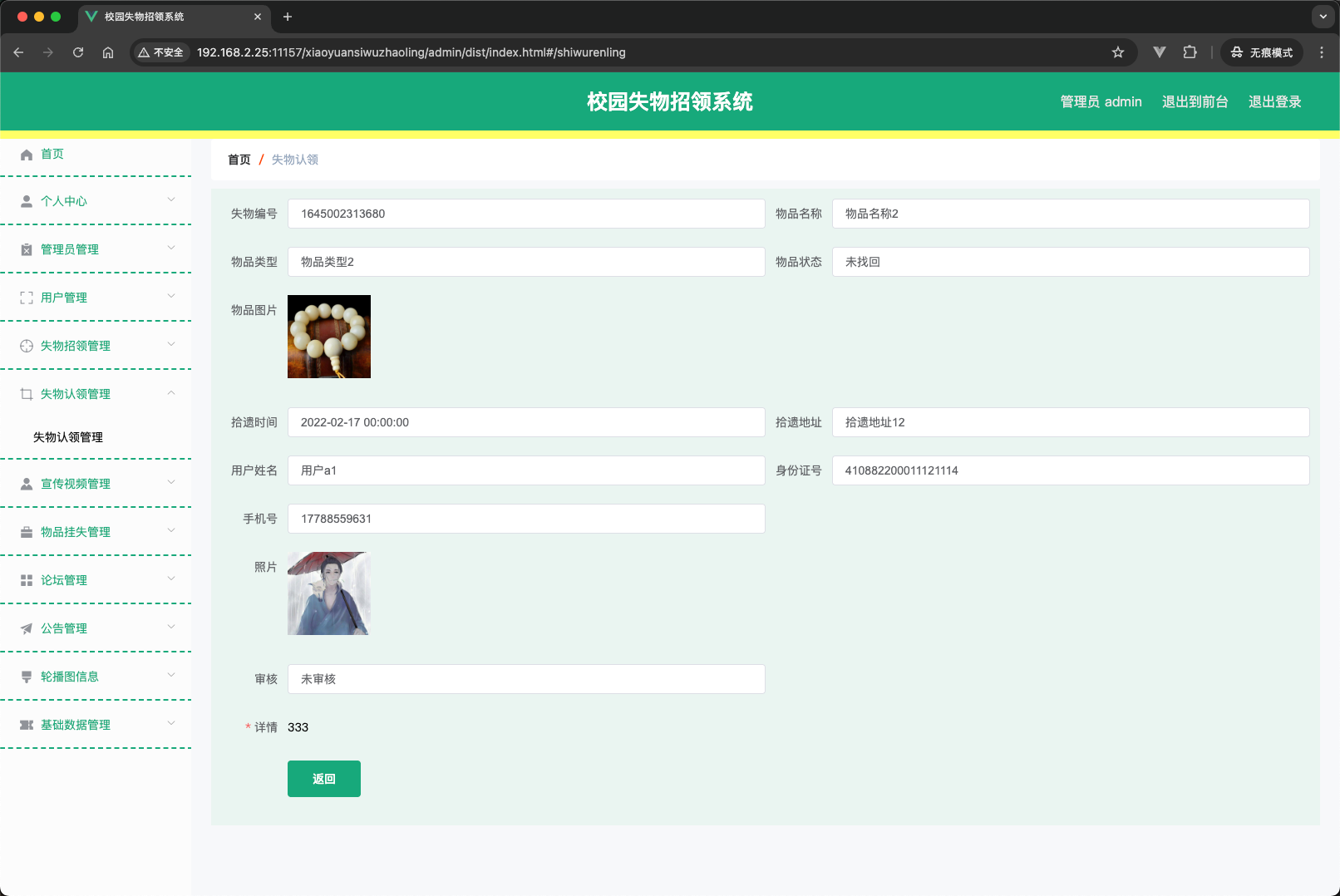
- 用户在失物招领详情页可提交认领申请(需填写认领证明)。
- 管理员审核认领申请,通过后将失物状态改为“已找回”。
- 论坛:
- 发布帖子,其他用户可回复。
- 帖子列表按发布时间倒序展示。
- 公告:查看系统发布的公告信息。
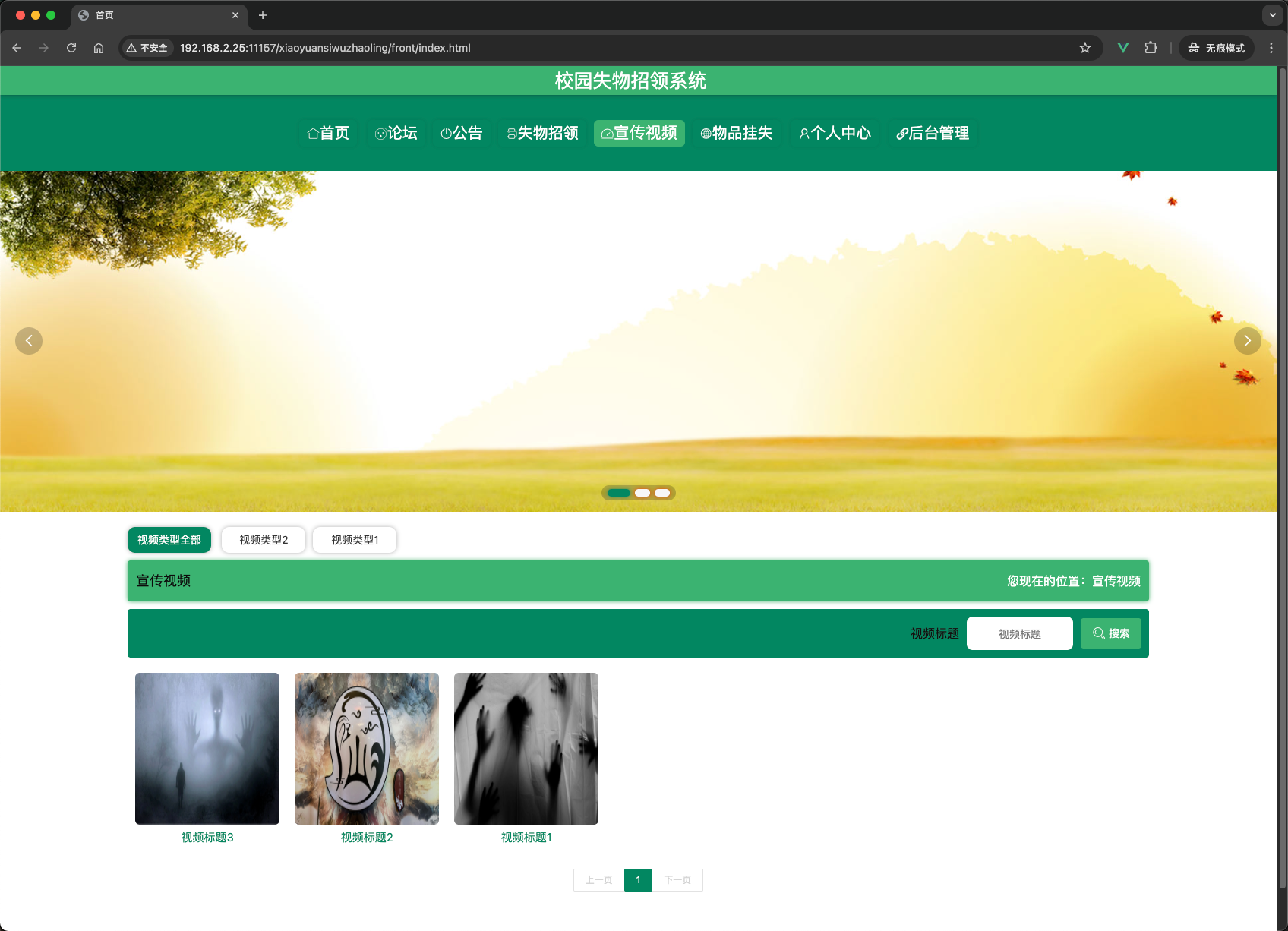
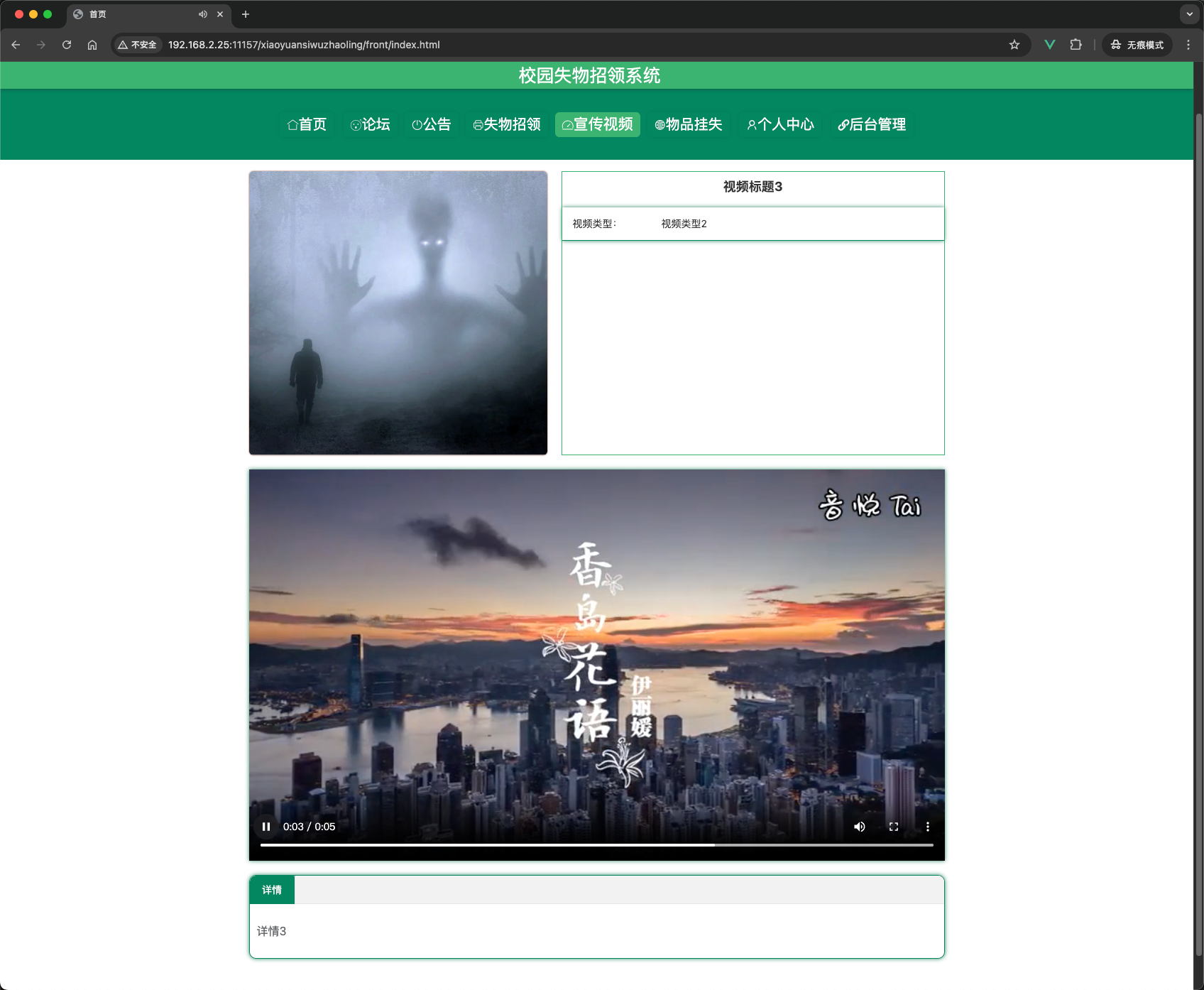
- 宣传视频:观看校园宣传视频,支持分类筛选。
4.1.2 管理端功能
- 管理员管理:增删改查管理员账号。
- 用户管理:增删改查普通用户,重置用户密码。
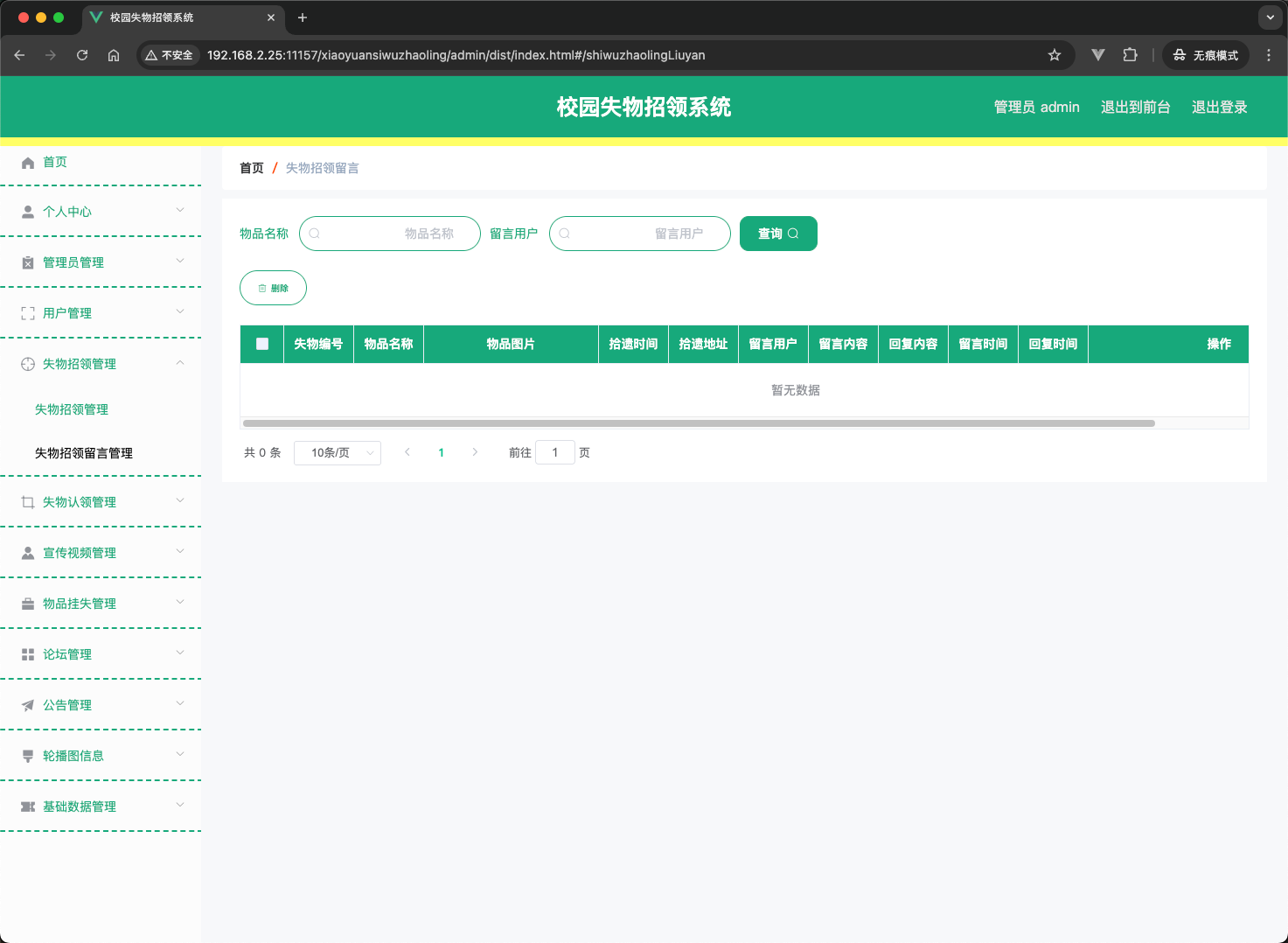
- 失物招领管理:管理所有失物招领信息,支持查看、修改、删除,并查看相关留言。
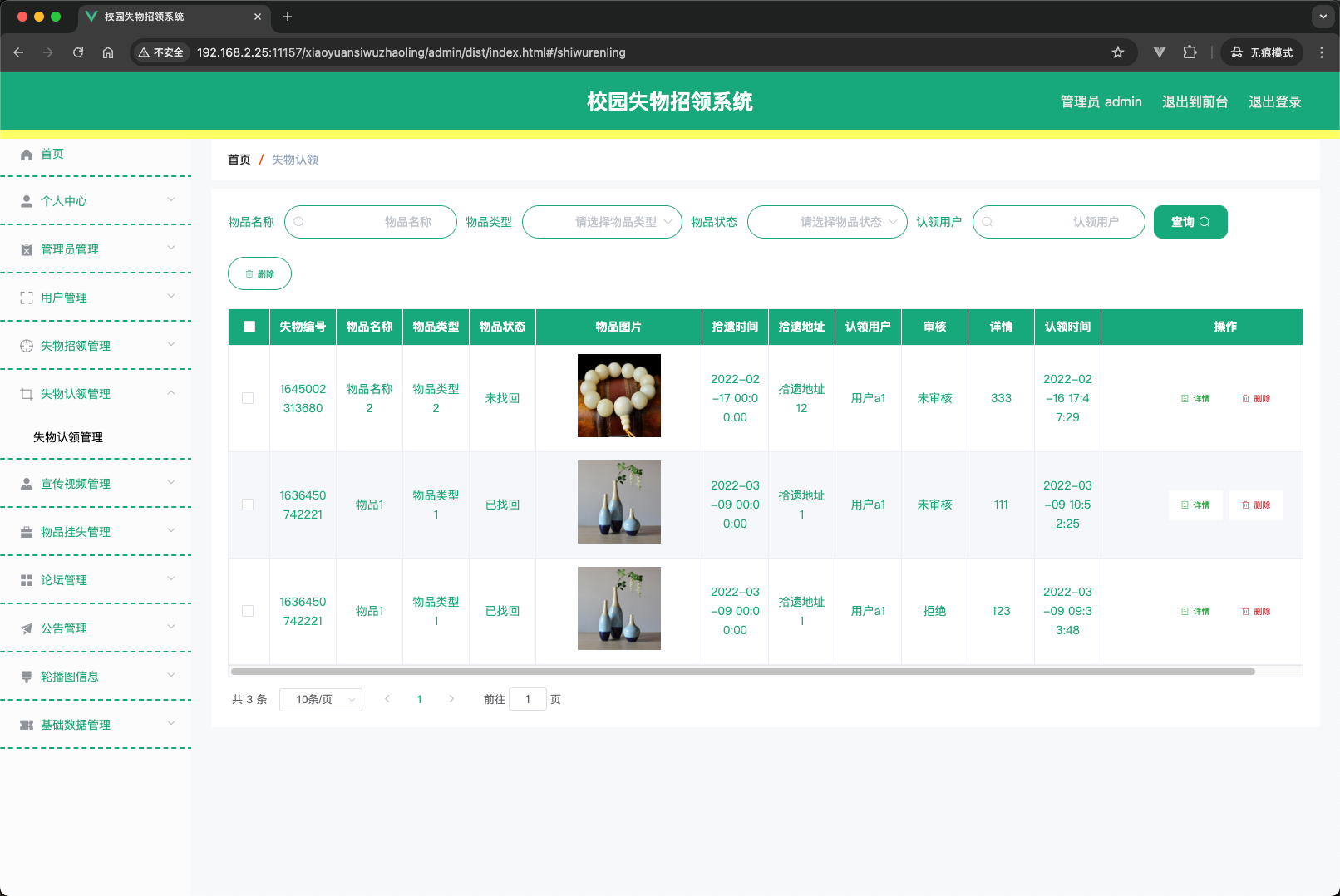
- 失物认领管理:查看用户认领申请,进行审核(通过/拒绝),通过后自动更新失物状态。
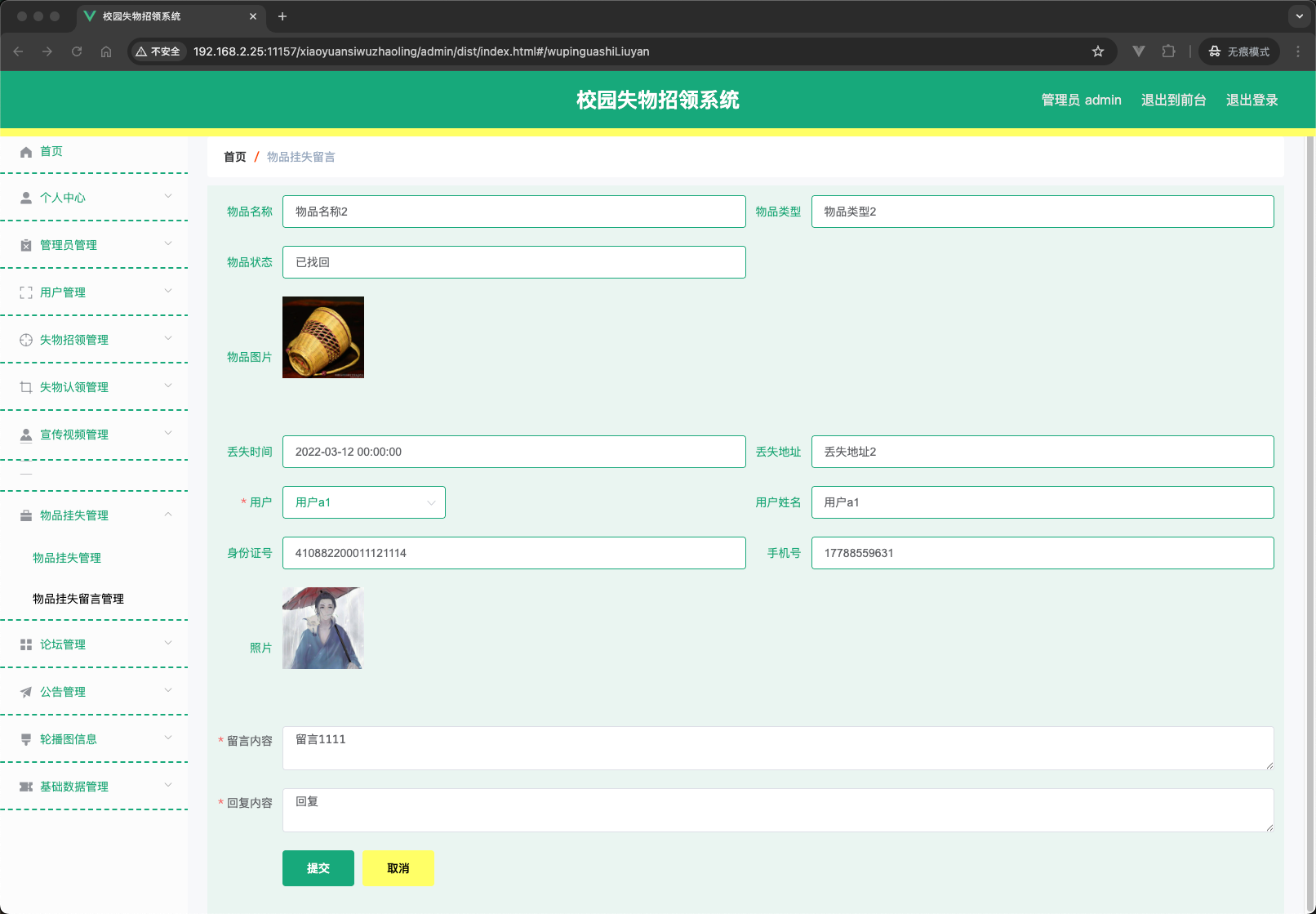
- 物品挂失管理:管理挂失信息及留言回复。
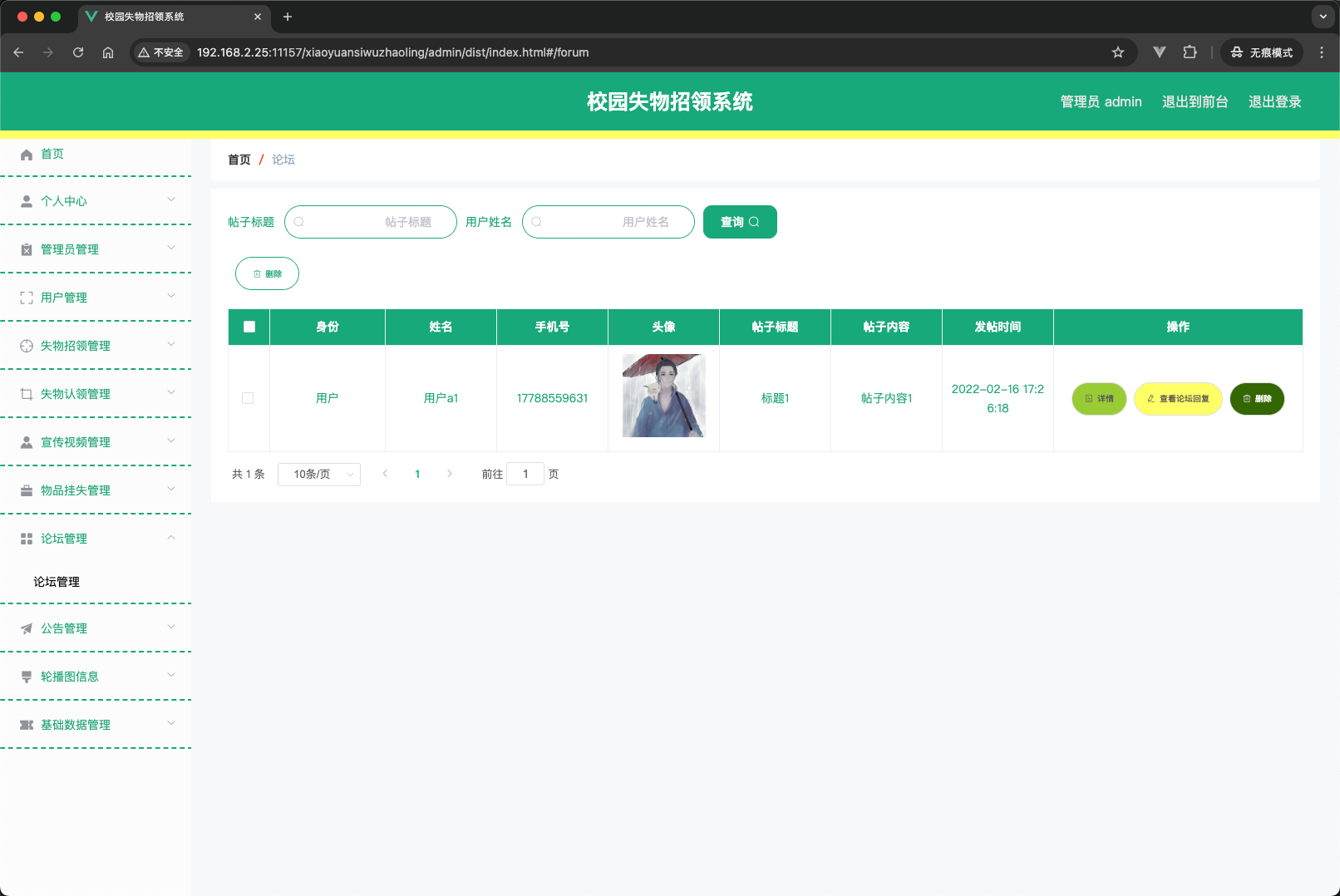
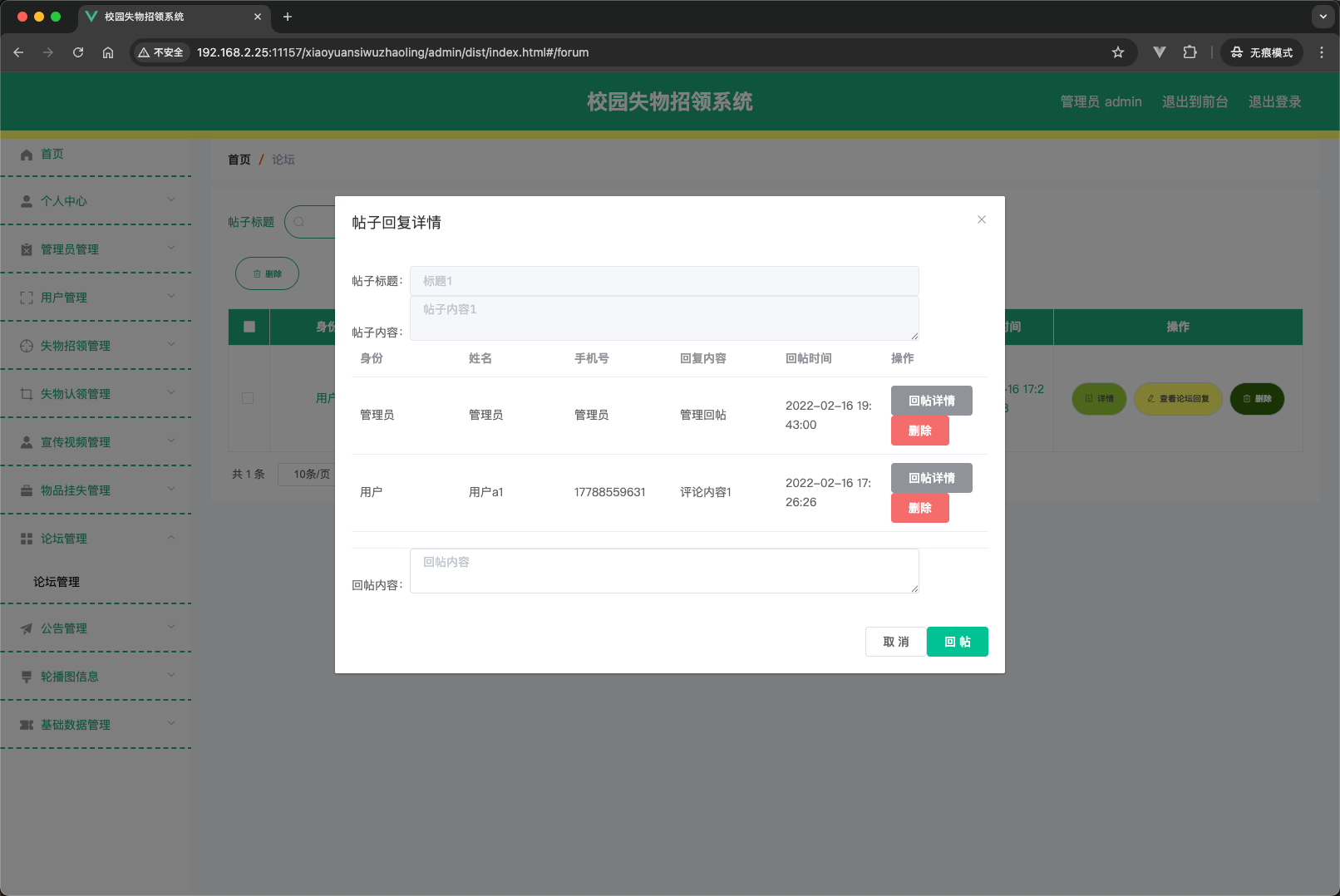
- 论坛管理:删除违规帖子。
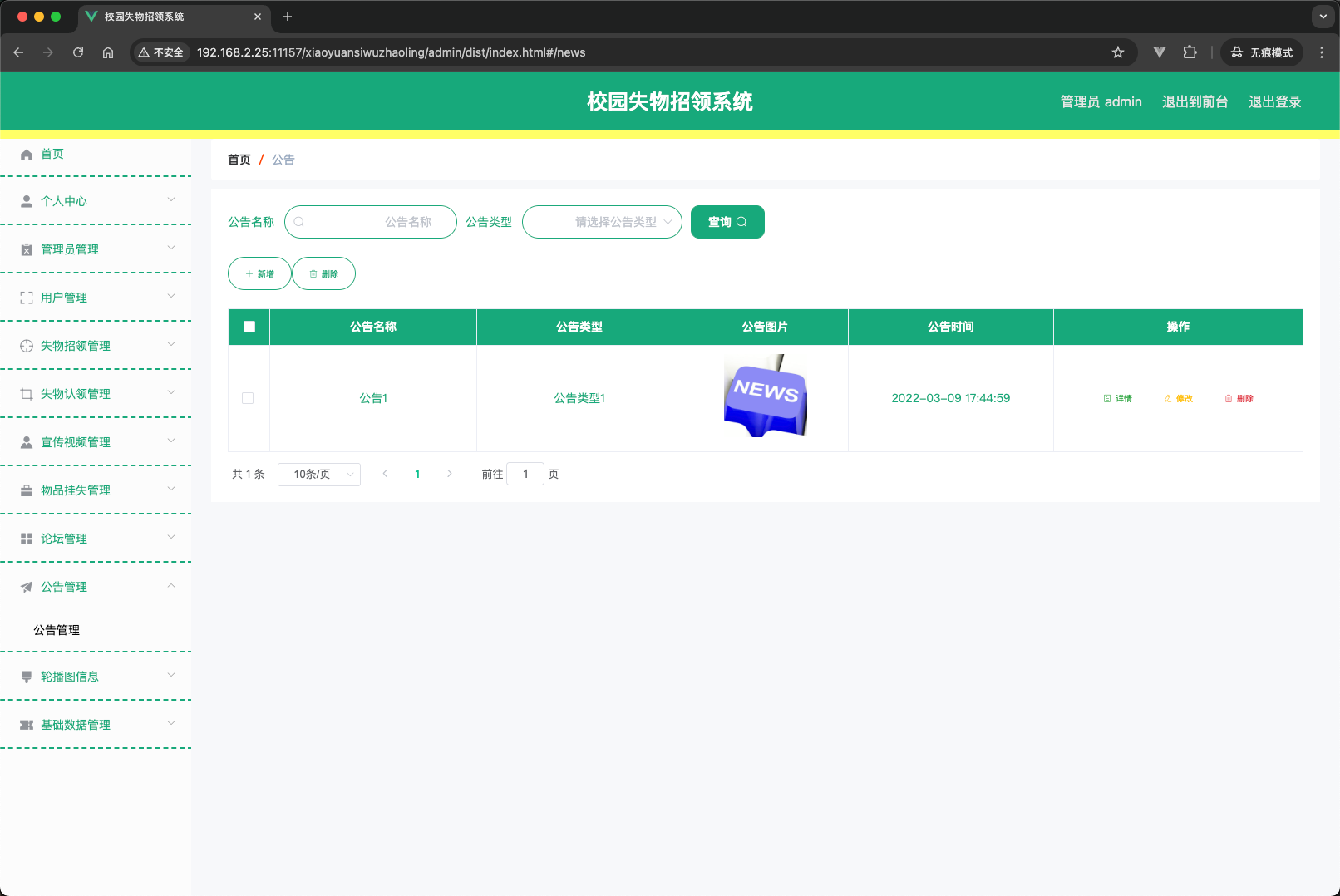
- 公告管理:发布、编辑、删除公告。
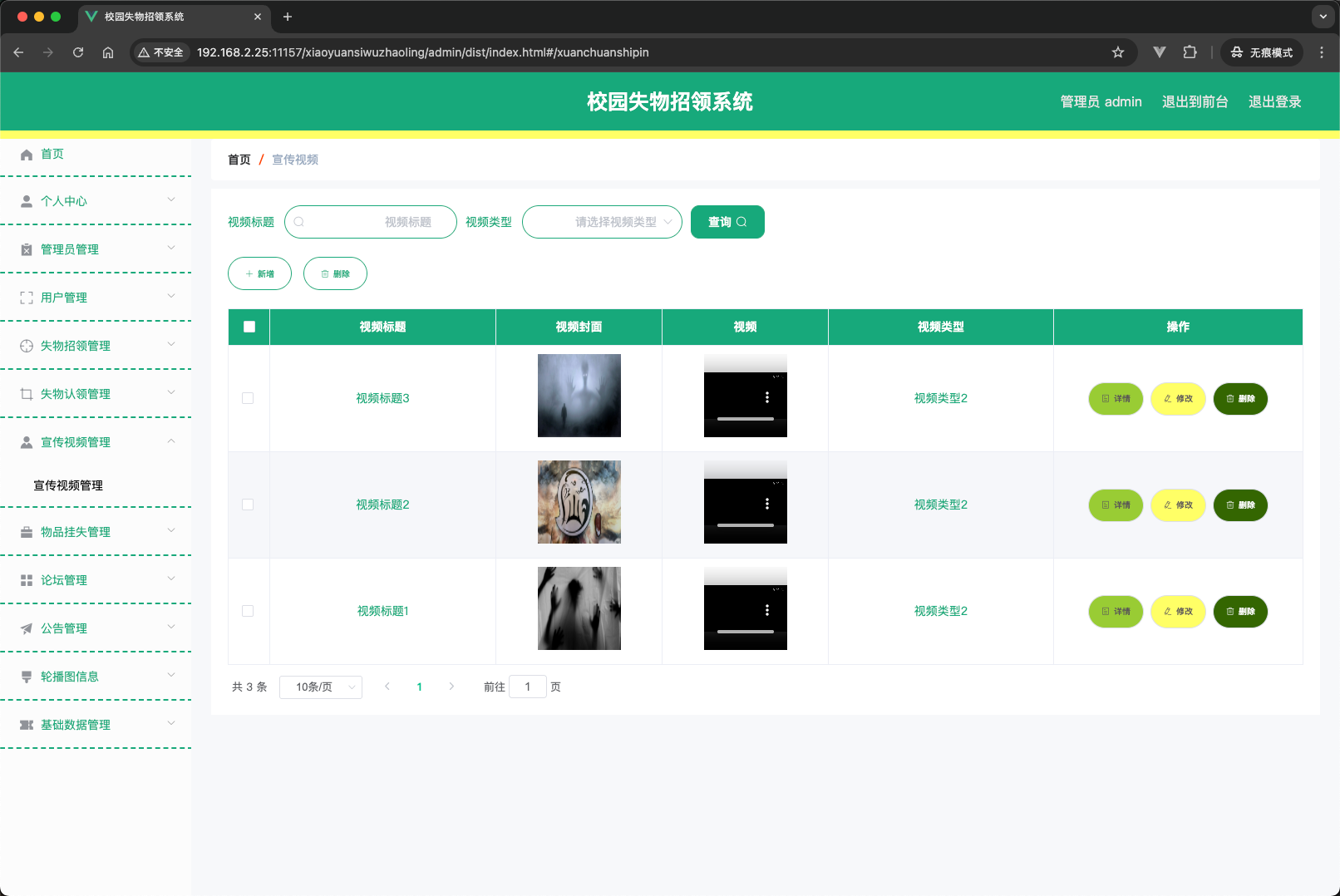
- 宣传视频管理:上传视频封面、视频文件,编辑视频信息。
- 轮播图管理:配置首页轮播图片。
- 基础数据管理:
- 公告类型、物品类型、宣传视频类型、审核状态等字典数据维护。
4.2 数据库设计(核心表说明)
| 表名 | 说明 | 主要字段 |
|---|---|---|
yonghu |
用户表 | id, username, password, yonghu_name, sex_types, yonghu_id_number, yonghu_phone, yonghu_photo |
shiwuzhaoling |
失物招领表 | id, shiwuzhaoling_uuid_number, shiwuzhaoling_name, shiwuzhaoling_types, status_types, yonghu_id, shiwuzhaoling_photo, shiwuzhaoling_time, shiwuzhaoling_dizhi, shiwuzhaoling_content |
shiwuzhaoling_liuyan |
失物招领留言表 | id, shiwuzhaoling_id, yonghu_id, shiwuzhaoling_liuyan_text, reply_text |
shiwurenling |
失物认领表 | id, shiwuzhaoling_id, yonghu_id, yesno_types, shiwurenling_text |
wupinguashi |
物品挂失表 | id, wupinguashi_name, shiwuzhaoling_types, status_types, wupinguashi_photo, wupinguashi_time, yonghu_id, wupinguashi_dizhi, wupinguashi_content |
wupinguashi_liuyan |
物品挂失留言表 | id, wupinguashi_id, yonghu_id, wupinguashi_liuyan_text, reply_text |
forum |
论坛帖子表 | id, forum_name, yonghu_id, users_id, forum_content, super_ids, forum_state_types |
news |
公告表 | id, news_name, news_types, news_photo, insert_time, news_content |
xuanchuanshipin |
宣传视频表 | id, xuanchuanshipin_name, xuanchuanshipin_photo, xuanchuanshipin_video, xuanchuanshipin_types, xuanchuanshipin_content |
dictionary |
字典表(存储枚举值) | id, dic_code, dic_name, code_index, index_name |
config |
系统配置表(轮播图等) | id, name, value |
users |
管理员表 | id, username, password, role |
token |
用户登录令牌表 | userid, username, tablename, role, token, expiratedtime |
4.3 典型业务流程
失物招领 → 认领 → 审核流程
- 用户A发布失物招领(状态默认为“未找回”)。
- 用户B看到该失物,点击“认领”,填写认领证明,提交认领申请(状态为“未审核”)。
- 管理员在后台查看认领申请,核对信息后点击“通过”。
- 系统自动将该失物招领的状态更新为“已找回”,同时认领申请状态变为“通过”。
5. 部分代码
5.1 后端控制器示例 – 失物招领
// ShiwuzhaolingController.java
@RestController
@RequestMapping("/shiwuzhaoling")
public class ShiwuzhaolingController {

    @Autowired
    private ShiwuzhaolingService shiwuzhaolingService;
    @Autowired
    private DictionaryService dictionaryService;

    // 前端列表(无权限验证)
    @IgnoreAuth
    @RequestMapping("/list")
    public R list(@RequestParam Map<String, Object> params, HttpServletRequest request){
        PageUtils page = shiwuzhaolingService.queryPage(params);
        List<ShiwuzhaolingView> list = (List<ShiwuzhaolingView>) page.getList();
        for(ShiwuzhaolingView c: list){
            dictionaryService.dictionaryConvert(c, request);
        }
        return R.ok().put("data", page);
    }

    // 前端保存
    @RequestMapping("/add")
    public R add(@RequestBody ShiwuzhaolingEntity shiwuzhaoling, HttpServletRequest request){
        Wrapper<ShiwuzhaolingEntity> queryWrapper = new EntityWrapper<ShiwuzhaolingEntity>()
            .eq("shiwuzhaoling_uuid_number", shiwuzhaoling.getShiwuzhaolingUuidNumber())
            .eq("shiwuzhaoling_name", shiwuzhaoling.getShiwuzhaolingName());
        if(shiwuzhaolingService.selectOne(queryWrapper) == null){
            shiwuzhaoling.setCreateTime(new Date());
            shiwuzhaolingService.insert(shiwuzhaoling);
            return R.ok();
        }
        return R.error(511,"表中有相同数据");
    }
}
5.2 MyBatis-Plus 分页查询示例
<!-- ShiwuzhaolingDao.xml -->
<select id="selectListView" resultType="com.entity.view.ShiwuzhaolingView">
    SELECT a.*, yonghu.yonghu_name as yonghuName
    FROM shiwuzhaoling a
    LEFT JOIN yonghu yonghu ON a.yonghu_id = yonghu.id
    <where>
        <if test="params.shiwuzhaolingName != null">
            and a.shiwuzhaoling_name like CONCAT('%',#{params.shiwuzhaolingName},'%')
        </if>
    </where>
    order by a.${params.orderBy} desc
</select>
5.3 前端用户端 – 失物招领列表页关键代码
<!-- shiwuzhaoling/list.html -->
<div class="list">
    <div v-for="(item,index) in dataList" class="list-item">
        <div class="list-item-body" @click="jump('../shiwuzhaoling/detail.html?id='+item.id)">
            <img :src="item.shiwuzhaolingPhoto">
            <div class="info">{{item.shiwuzhaolingName}}</div>
        </div>
    </div>
</div>

<script>
layui.use(['http'], function(){
    http.request('shiwuzhaoling/list', 'get', param, function(res){
        vue.dataList = res.data.list;
    });
});
</script>
5.4 字典表转换工具(后端)
// DictionaryServiceImpl.java
public void dictionaryConvert(Object obj, HttpServletRequest request) {
    // 获取所有Types字段,通过dictionaryMap将code_index转换成index_name
    // 并赋值给对应的Value字段
    ServletContext servletContext = request.getServletContext();
    Map<String, Map<Integer, String>> dictionaryMap = (Map) servletContext.getAttribute("dictionaryMap");
    // 反射赋值...
}
6. 部分截图
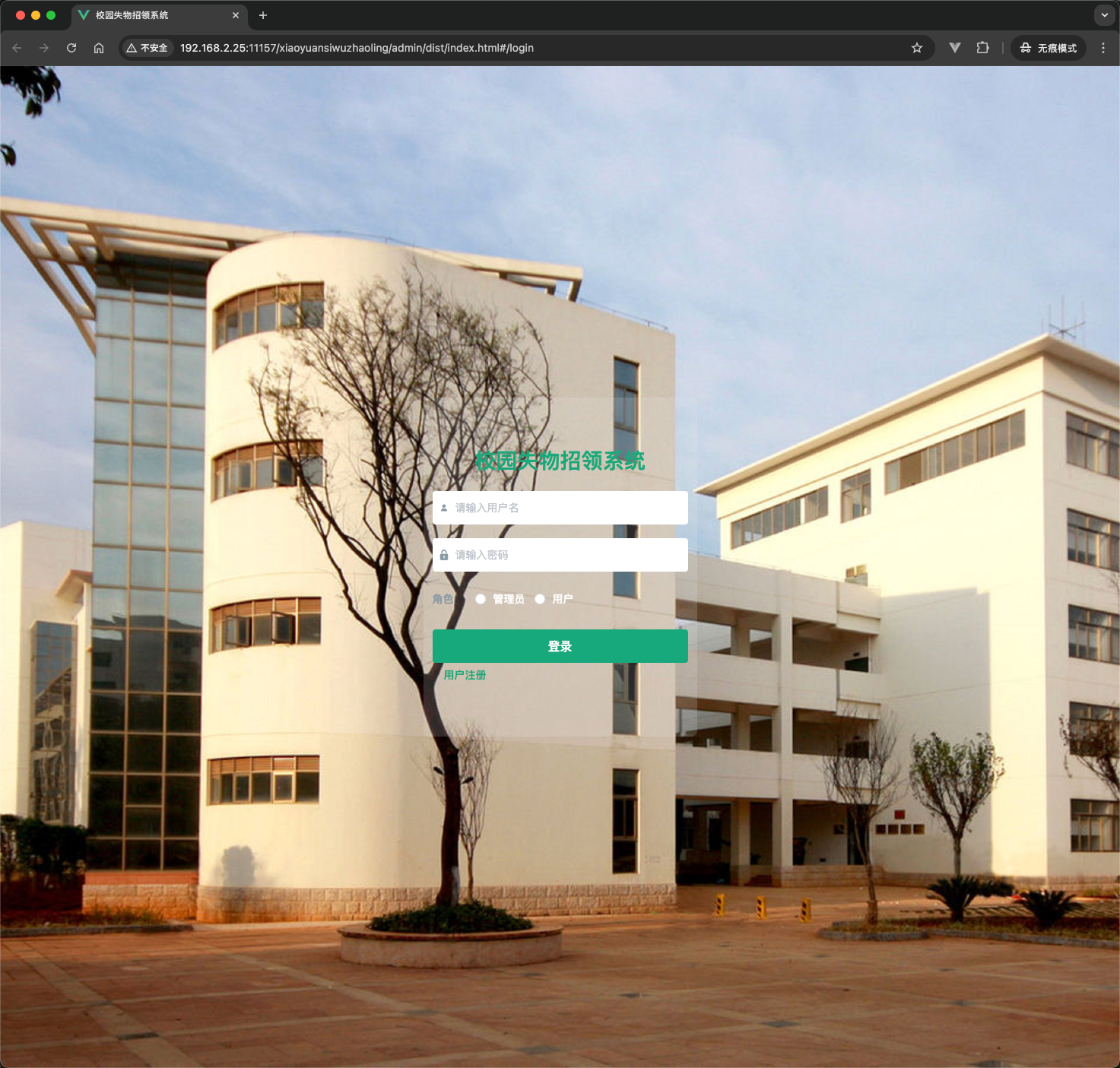
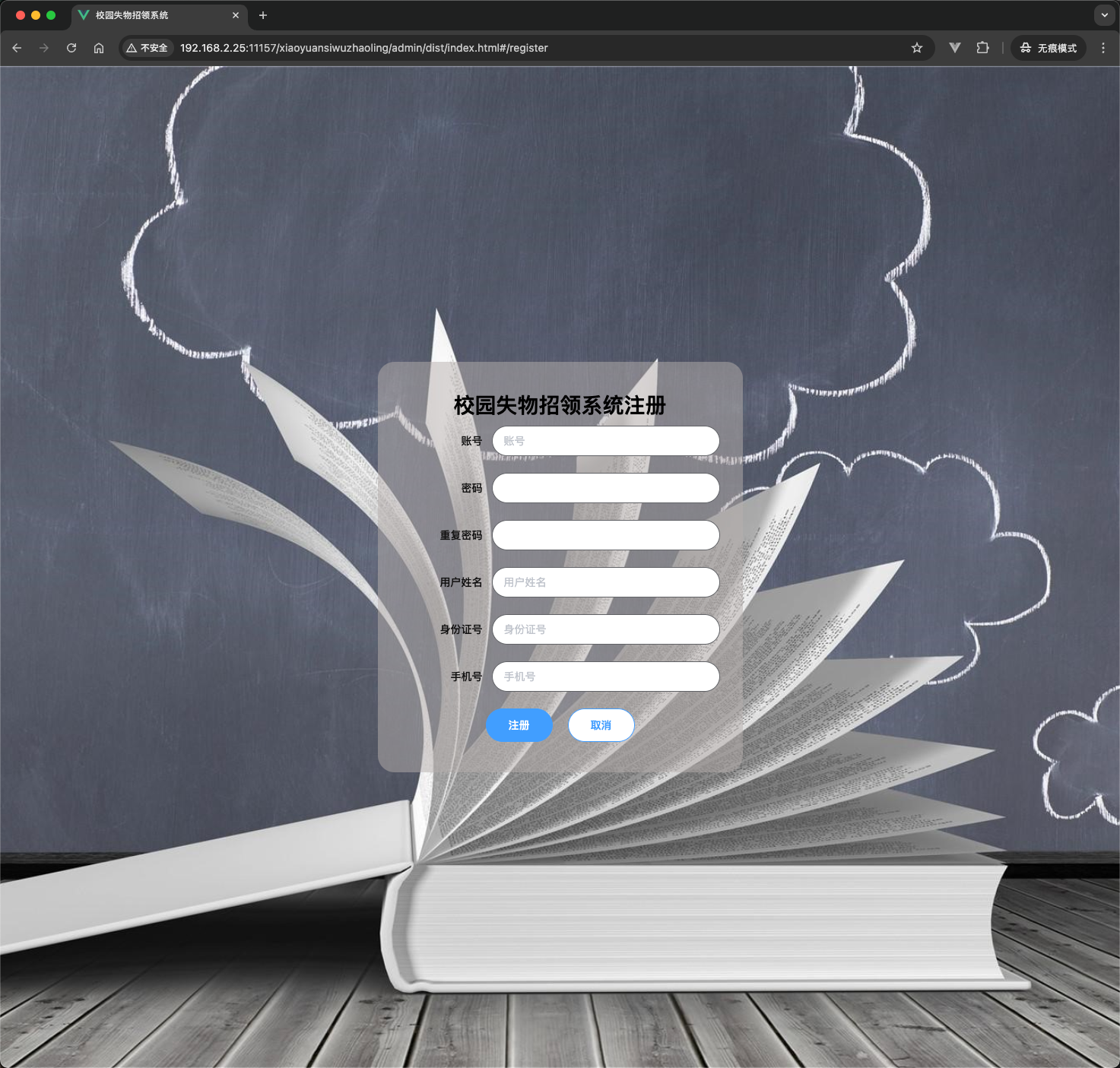
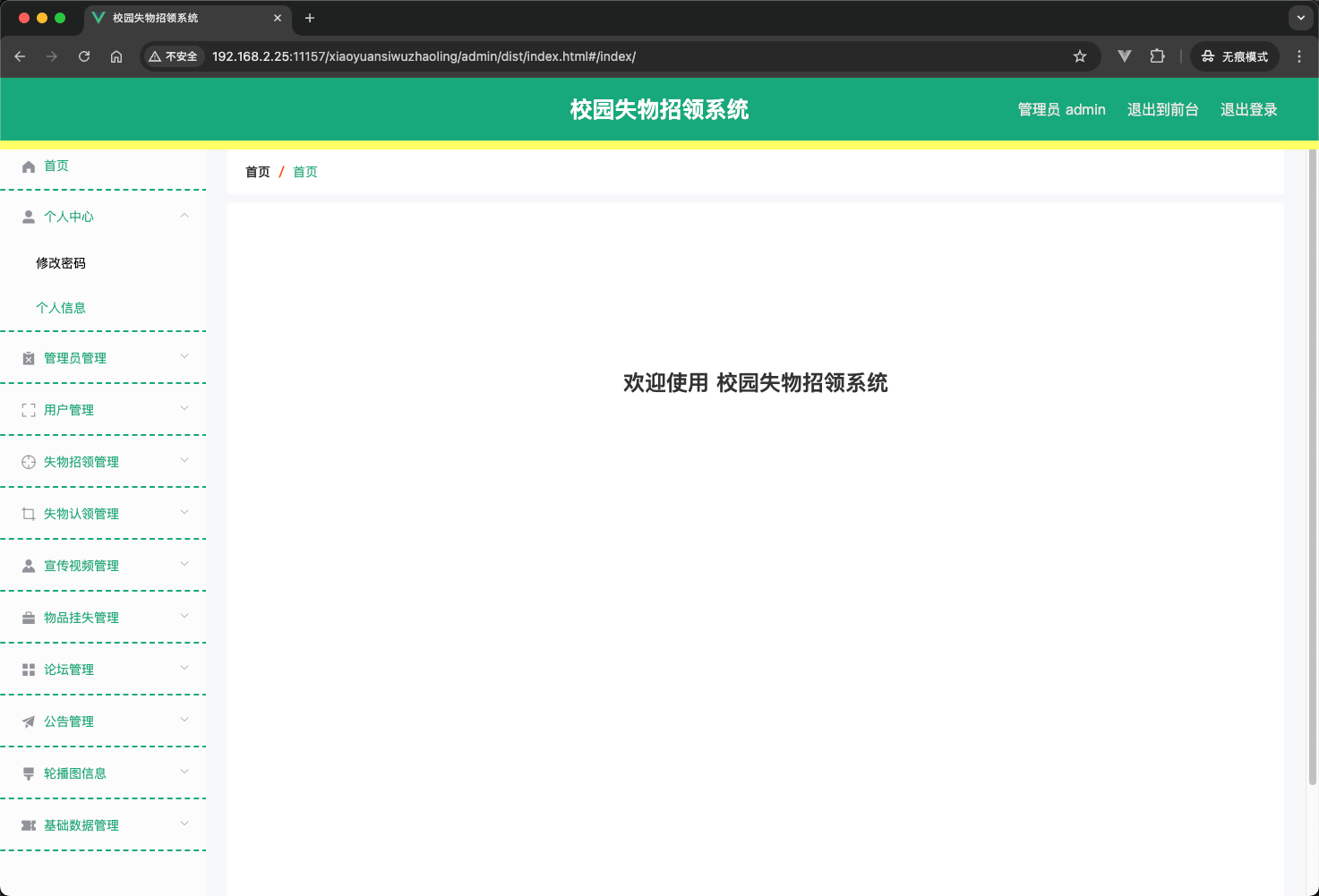
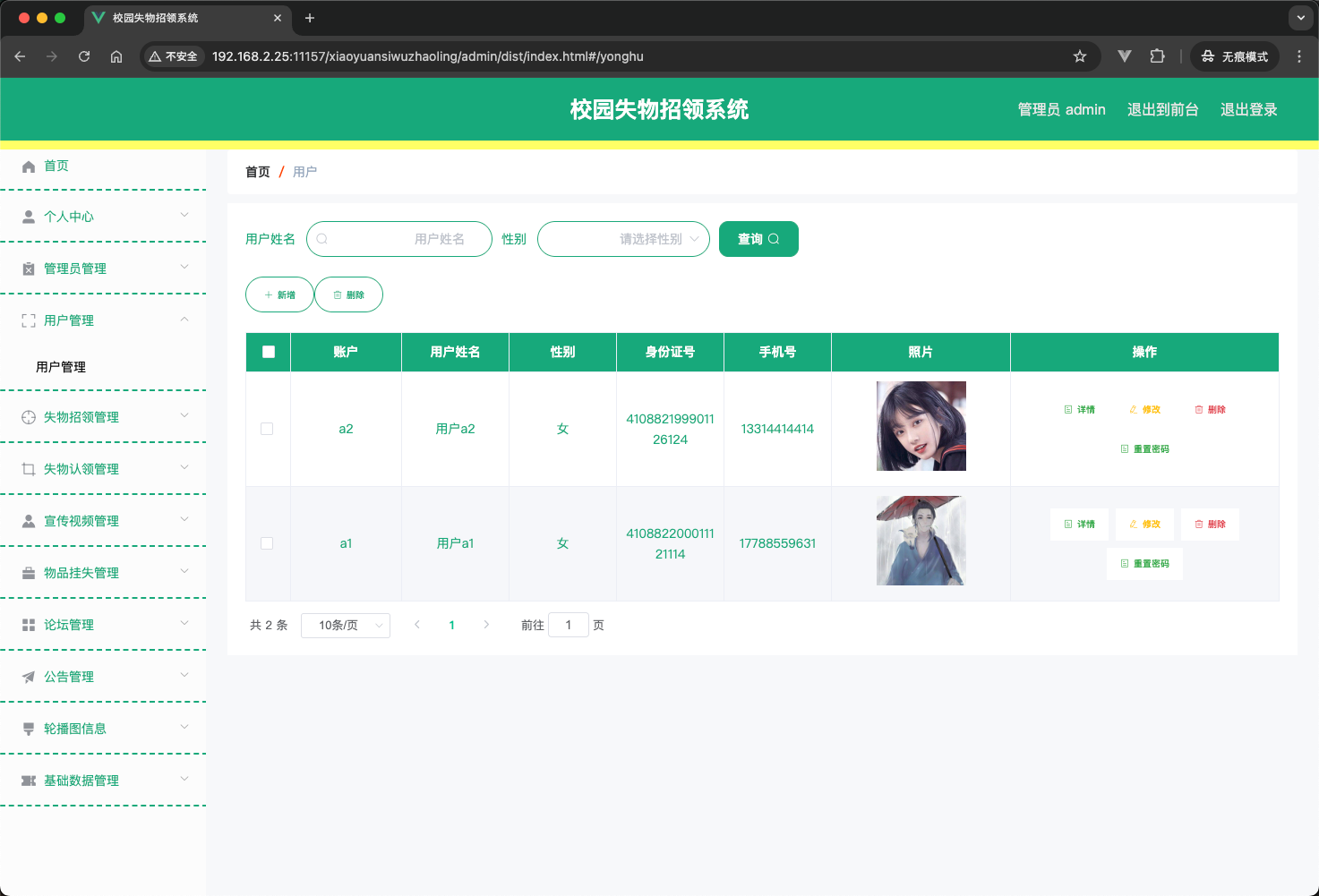
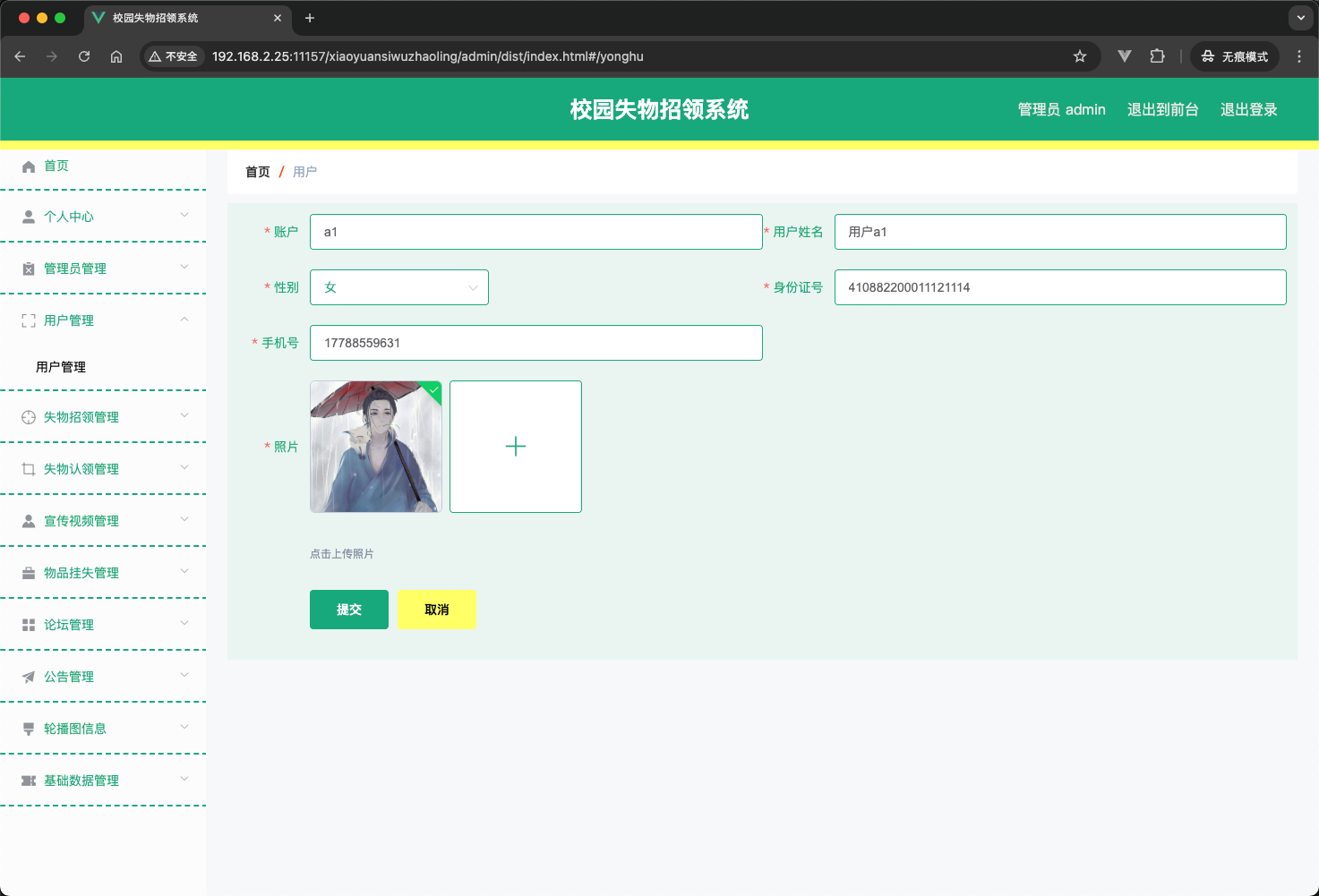
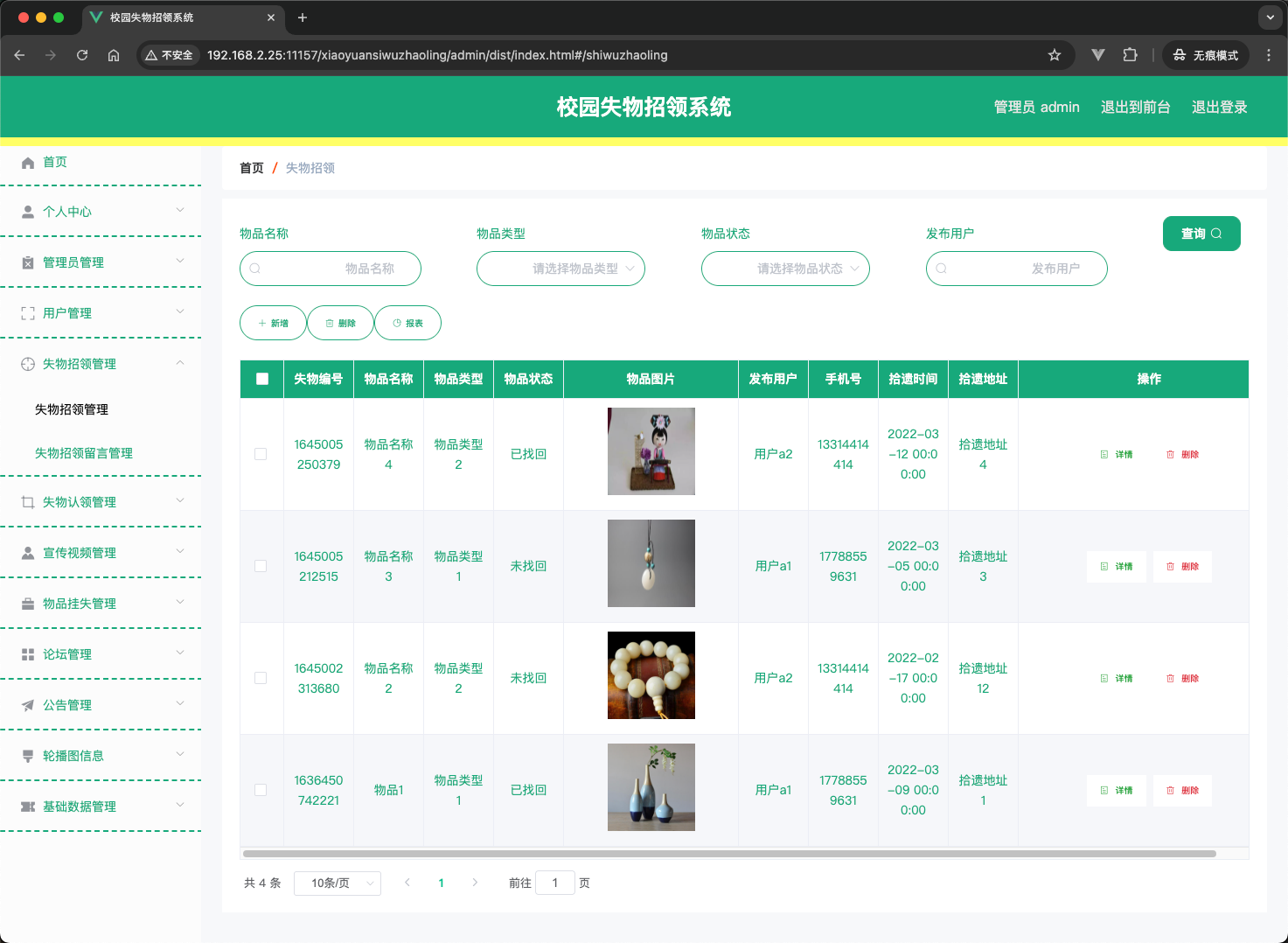
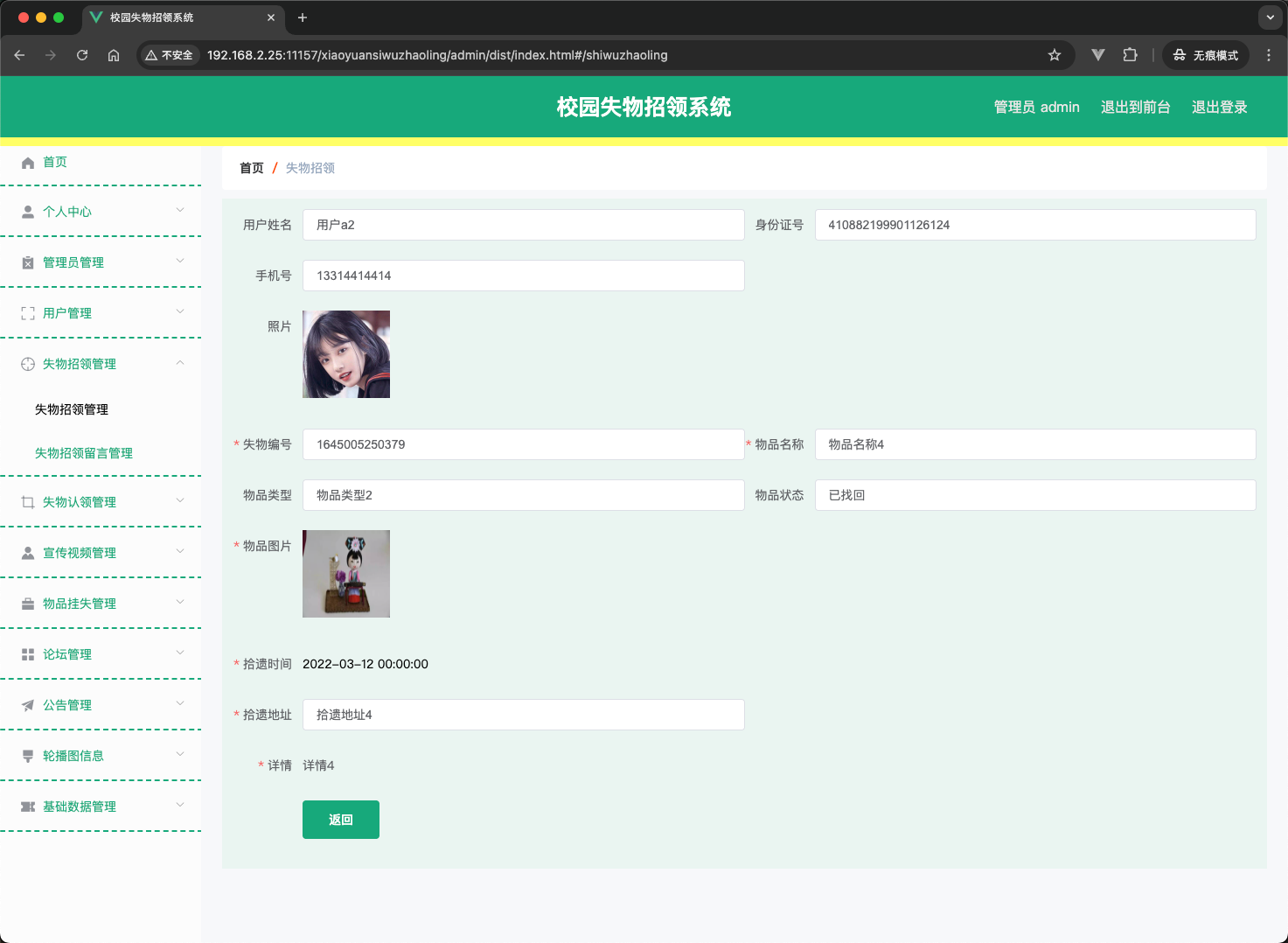
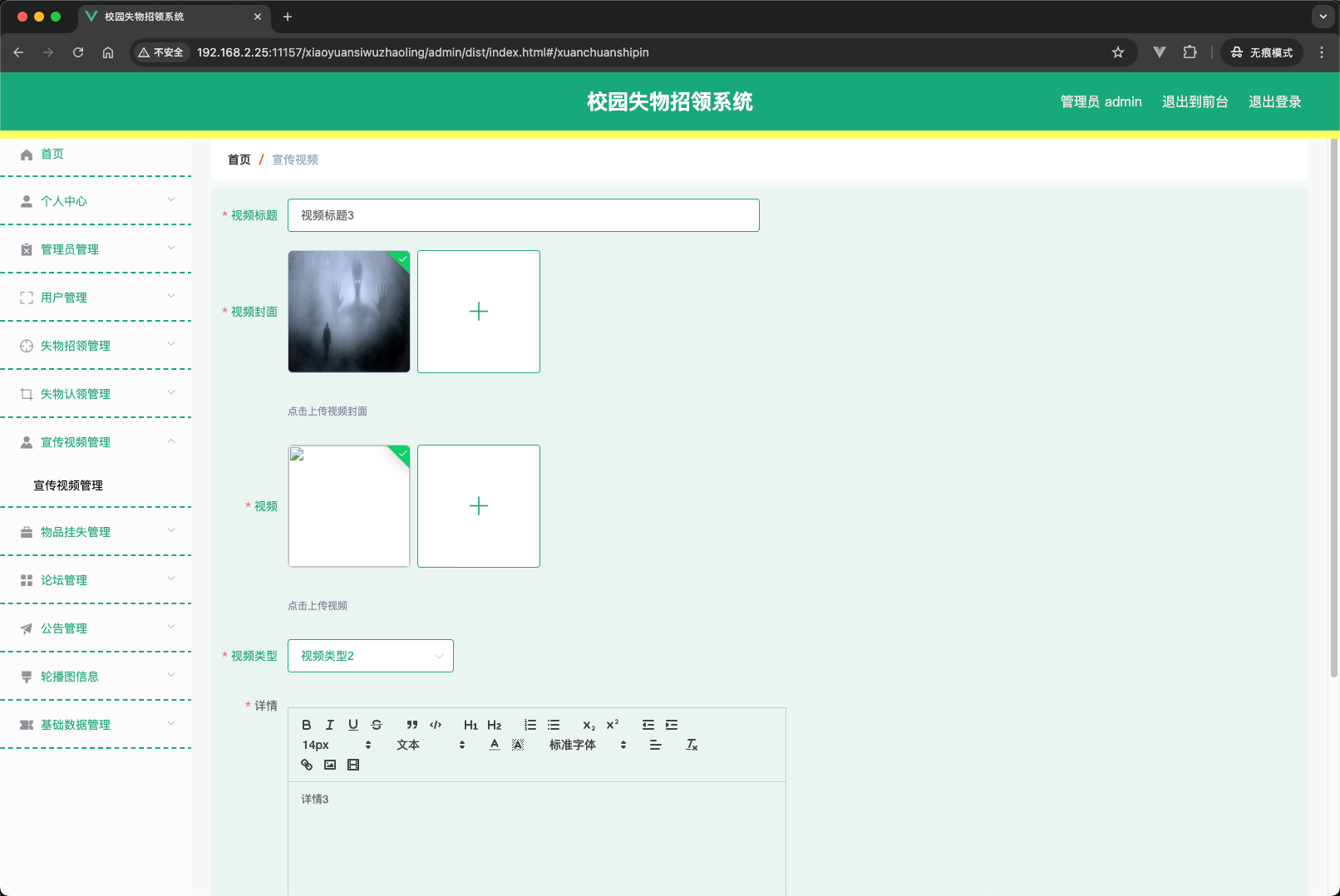
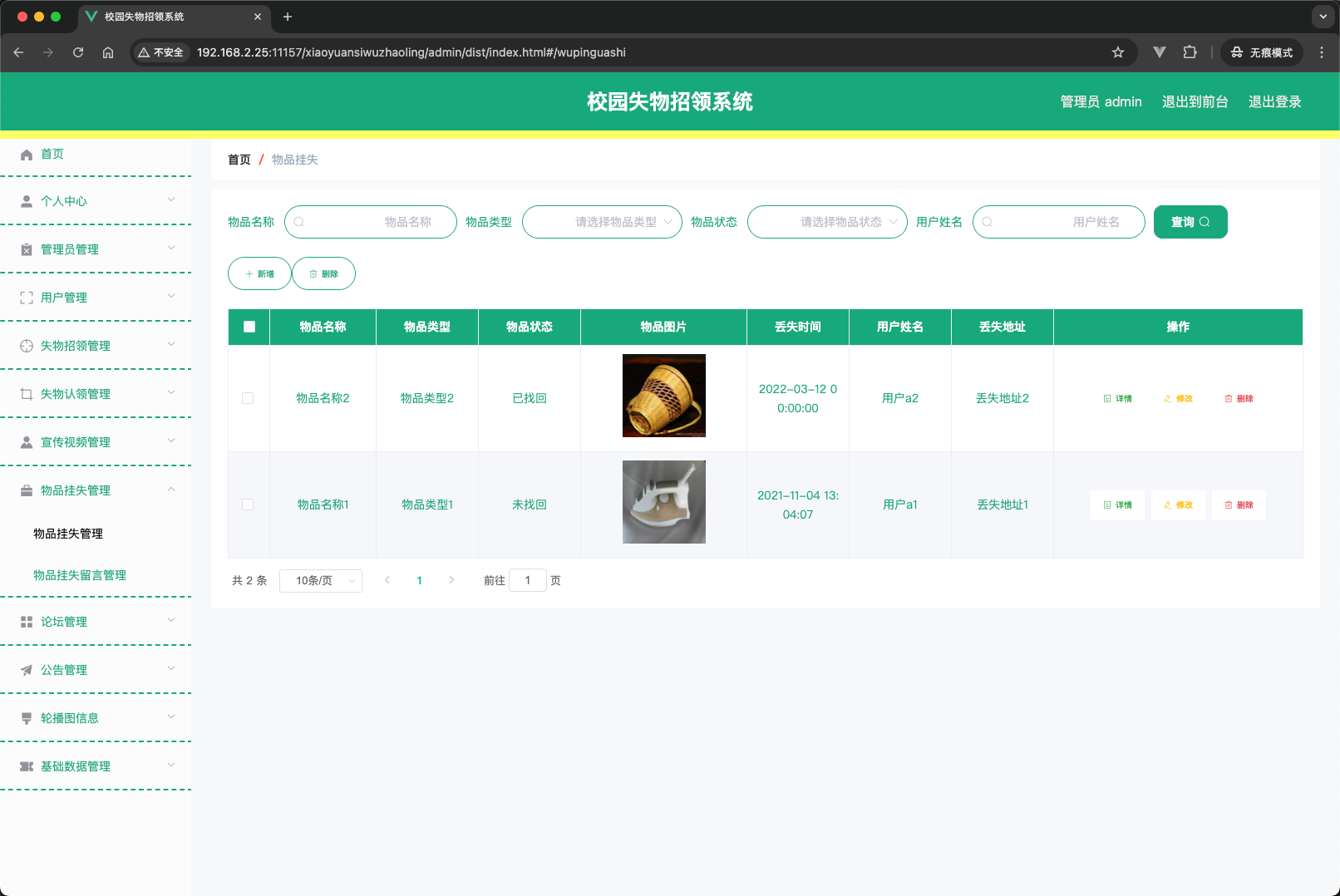
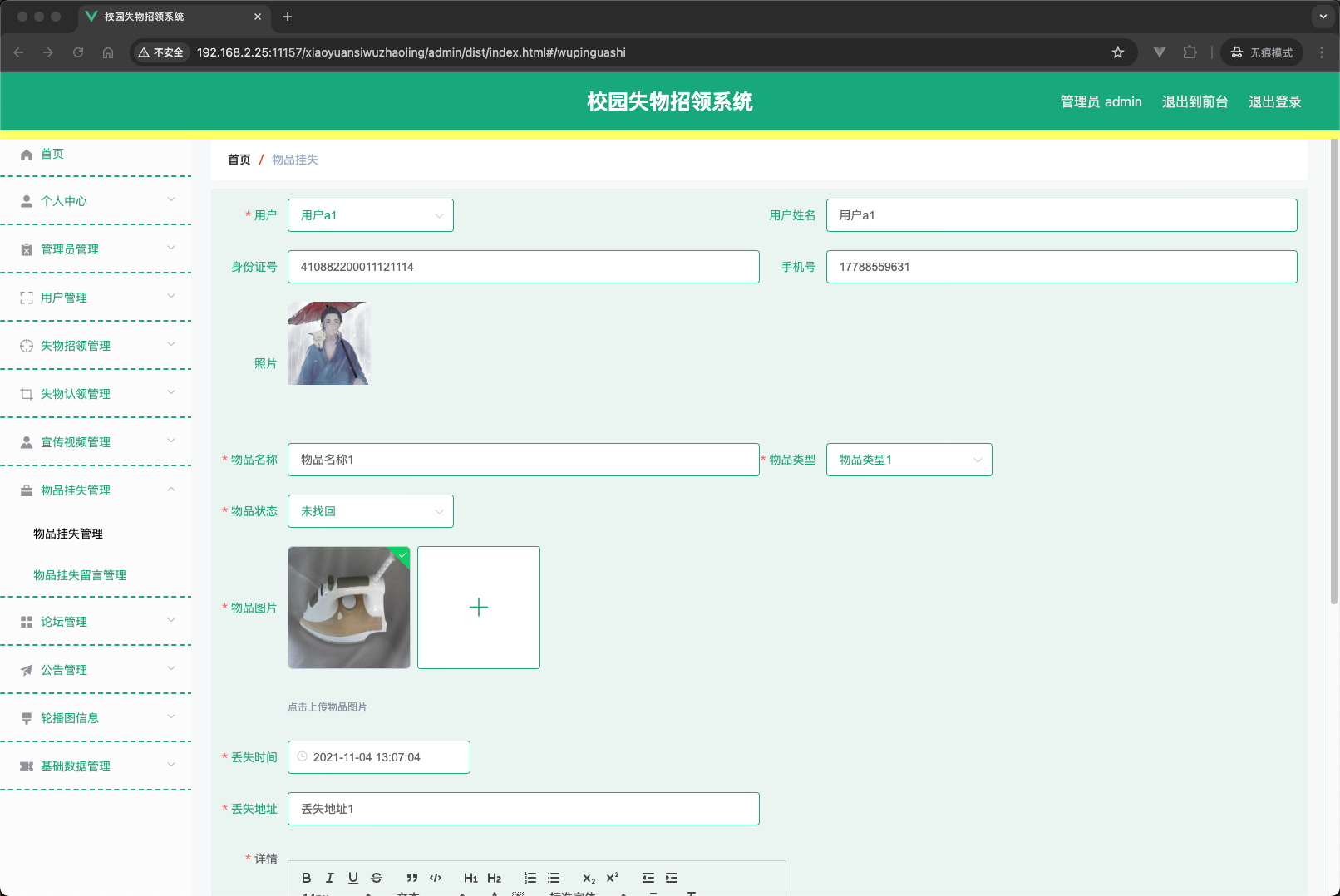
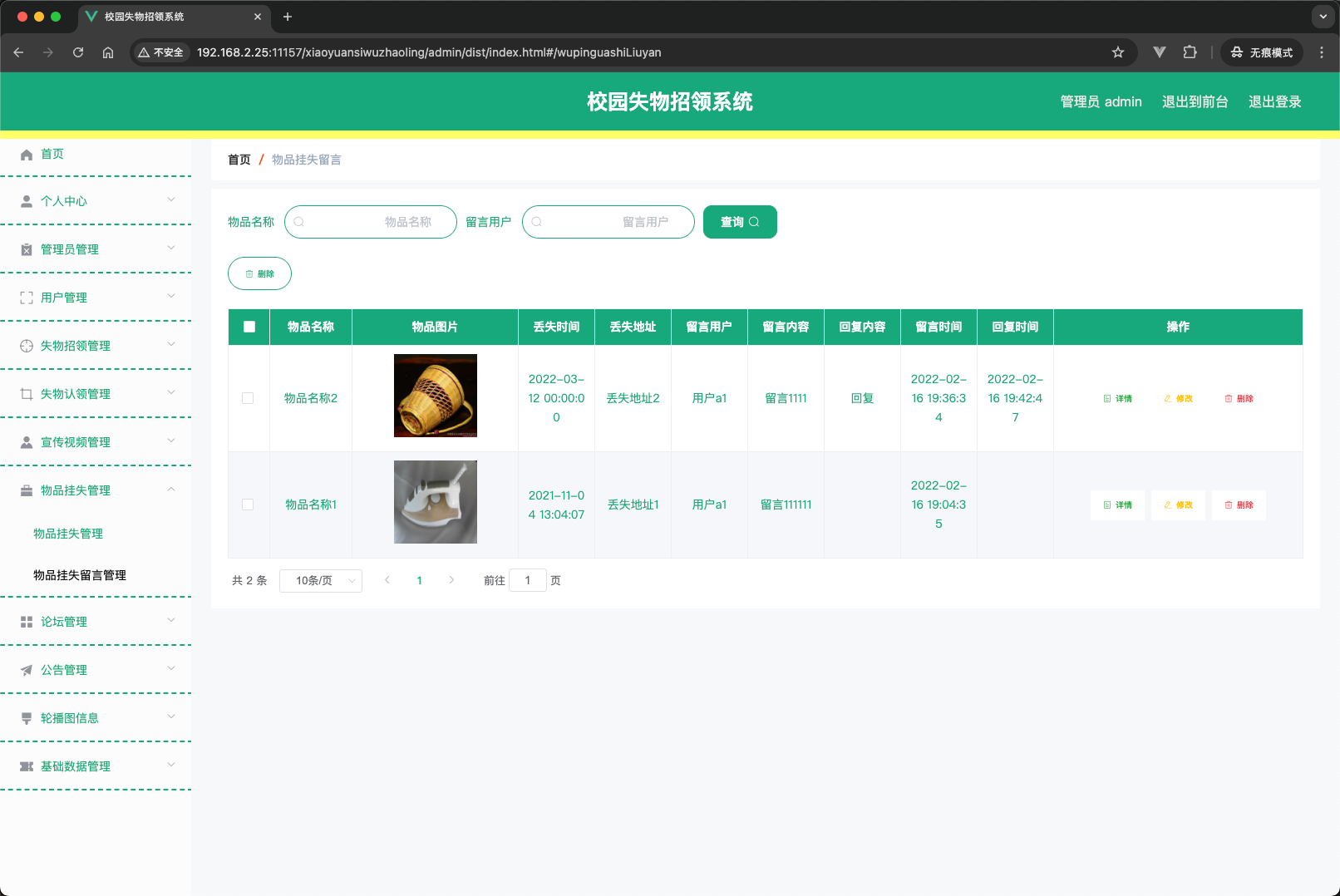
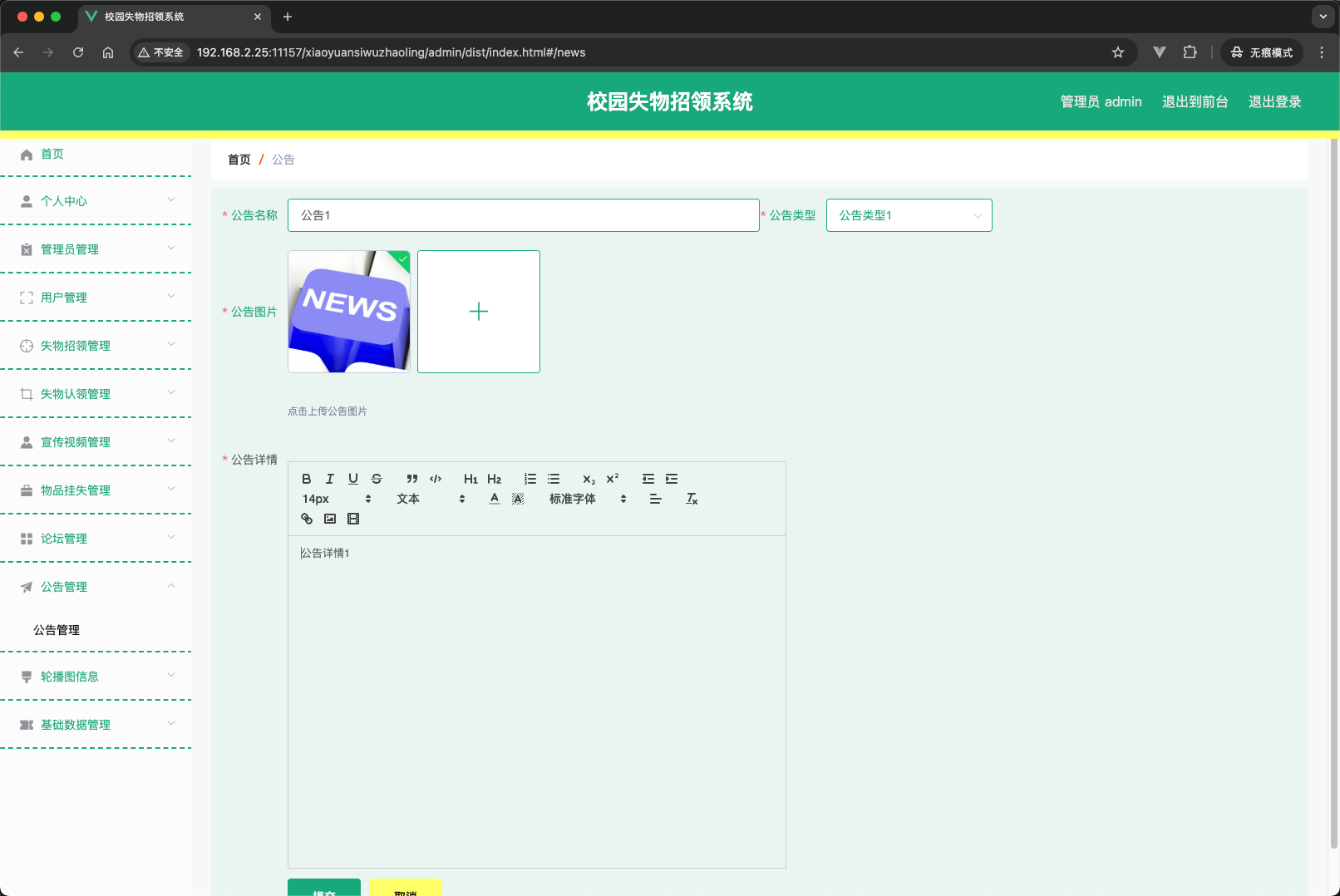
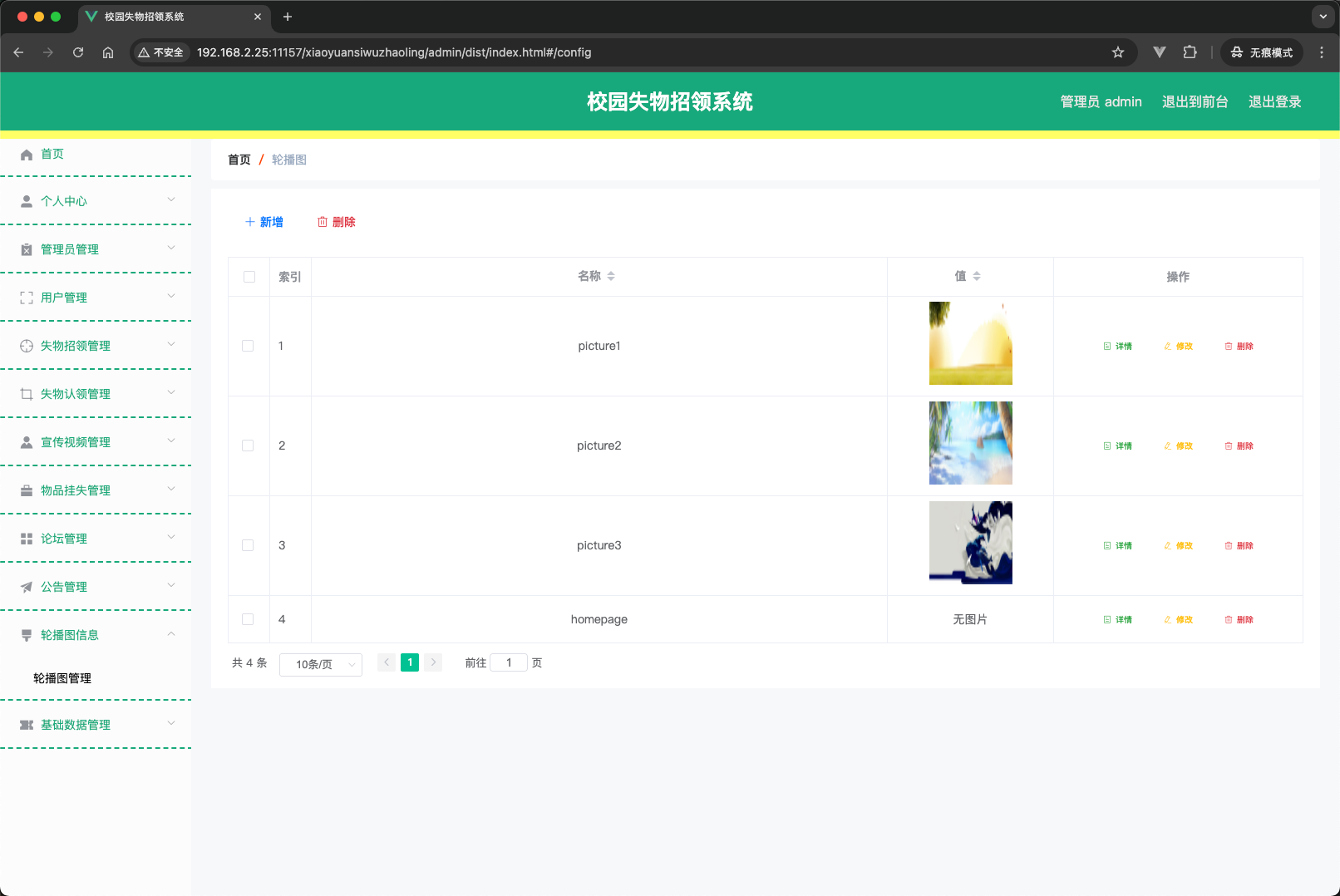
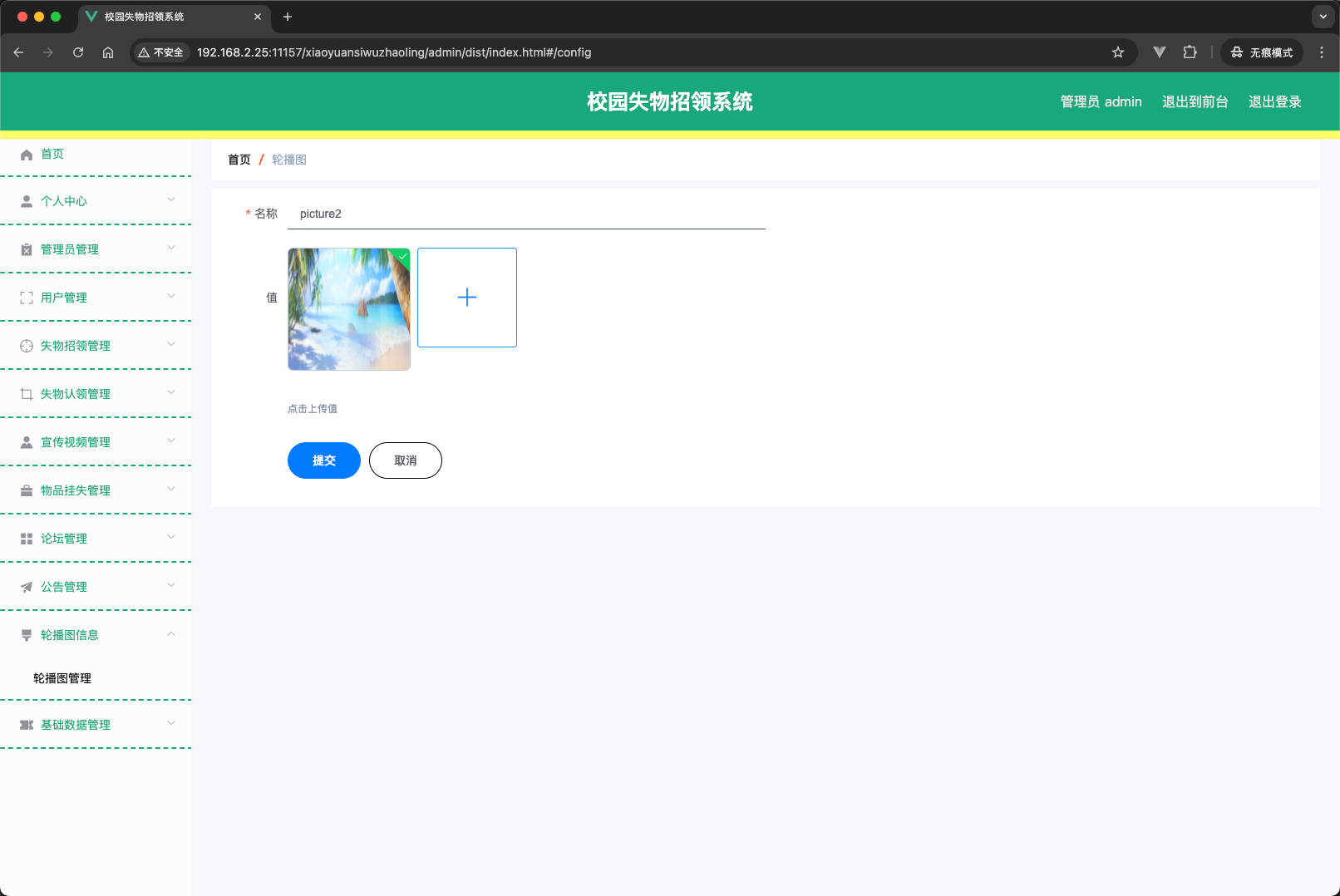
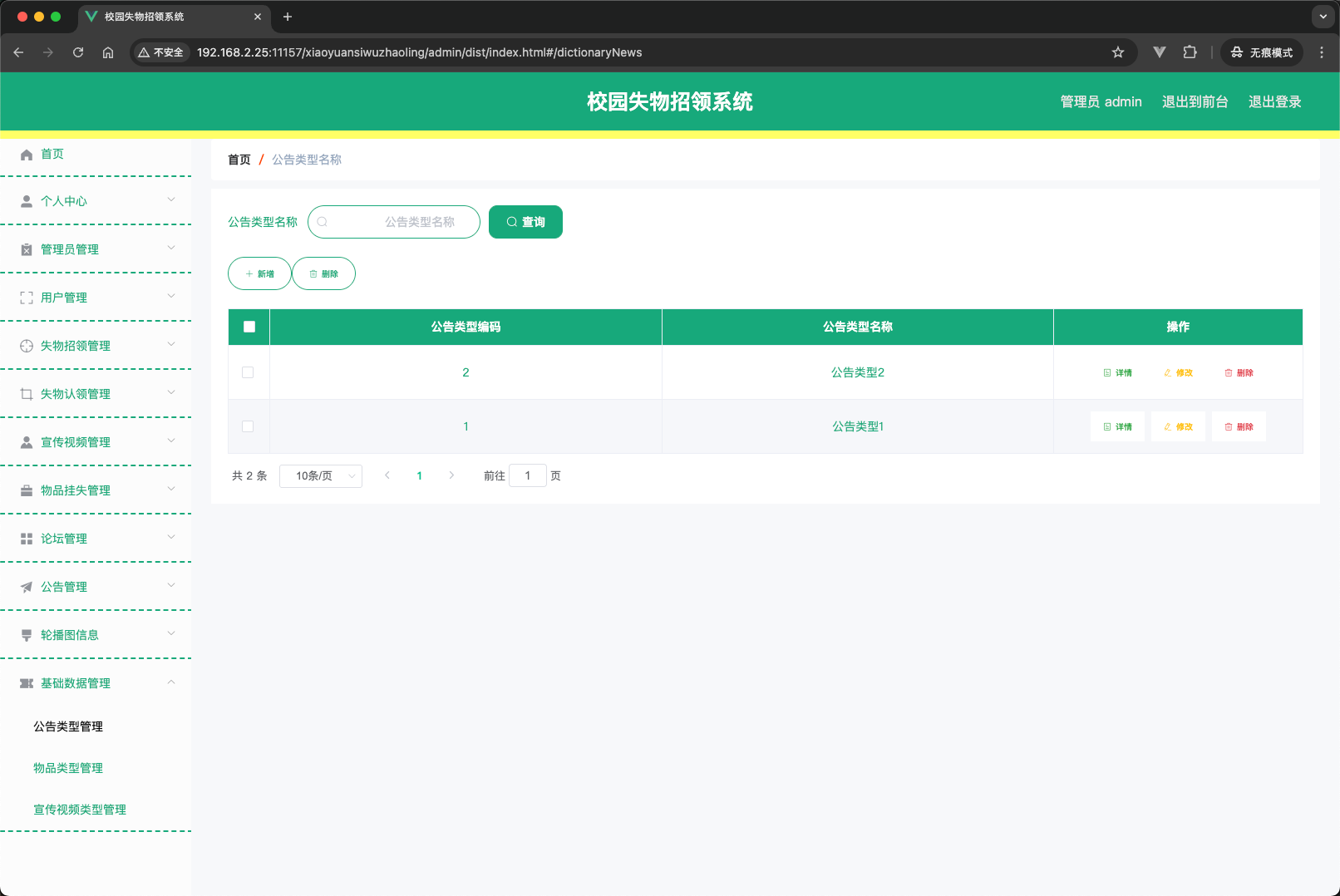
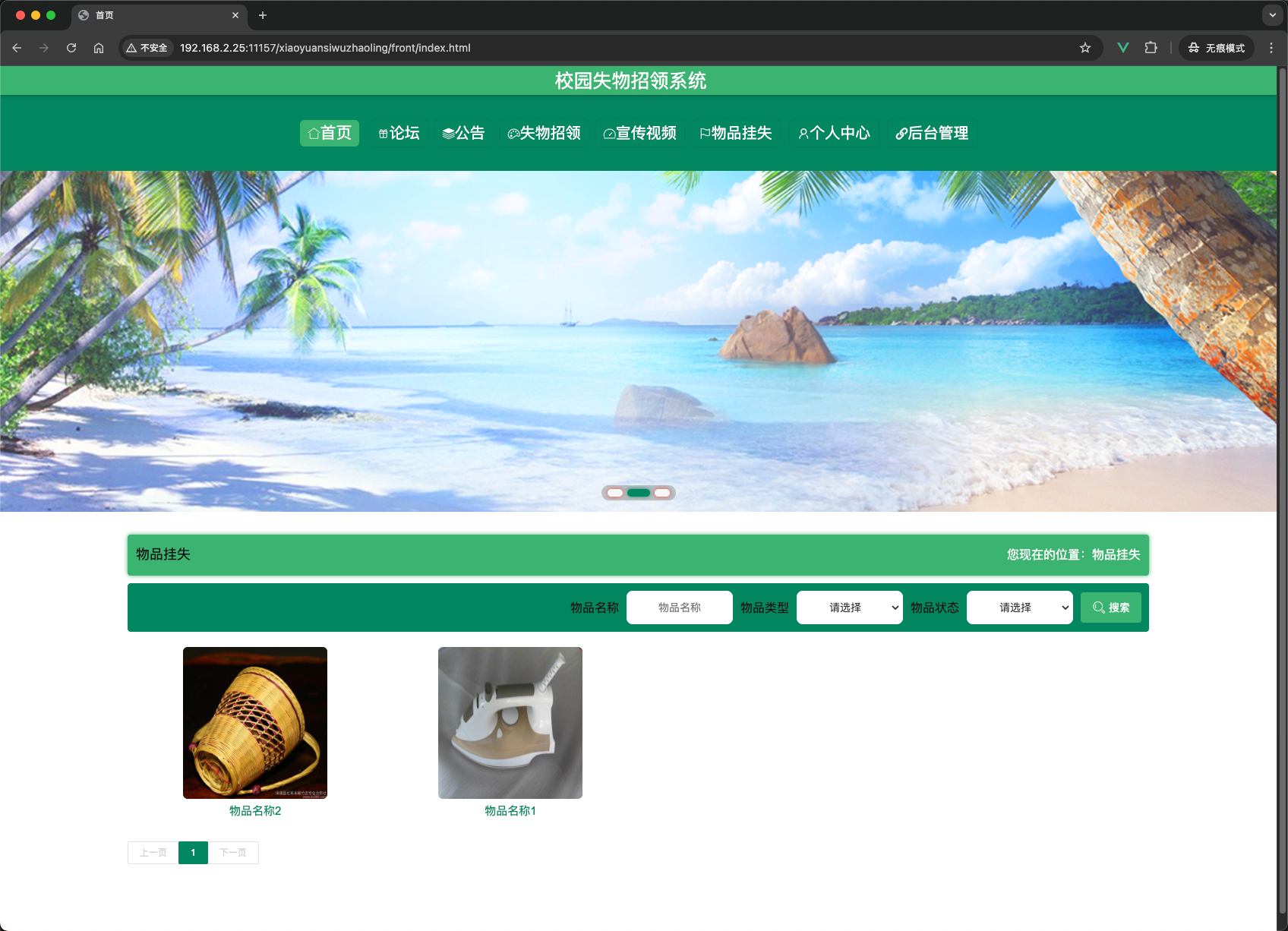
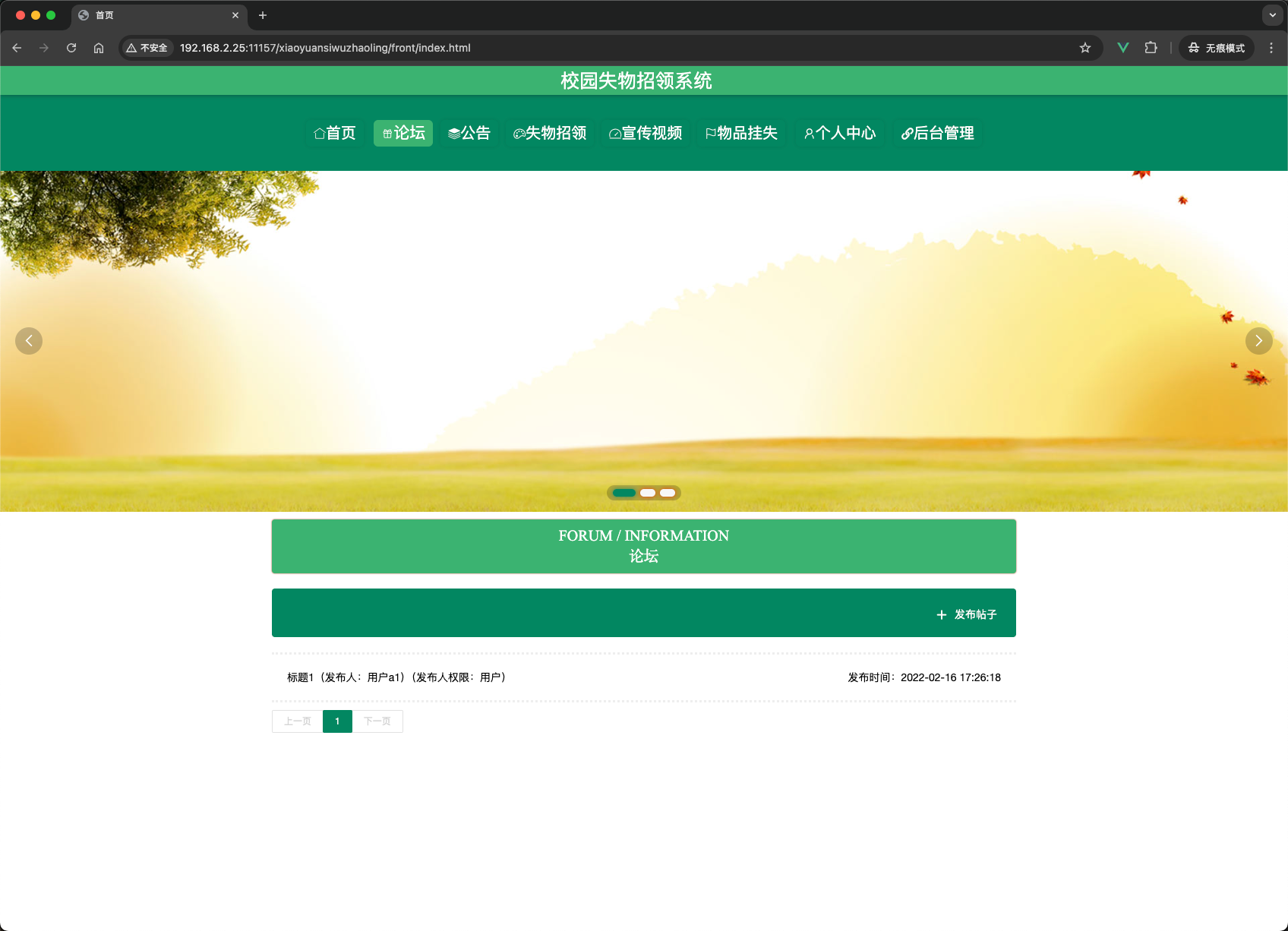
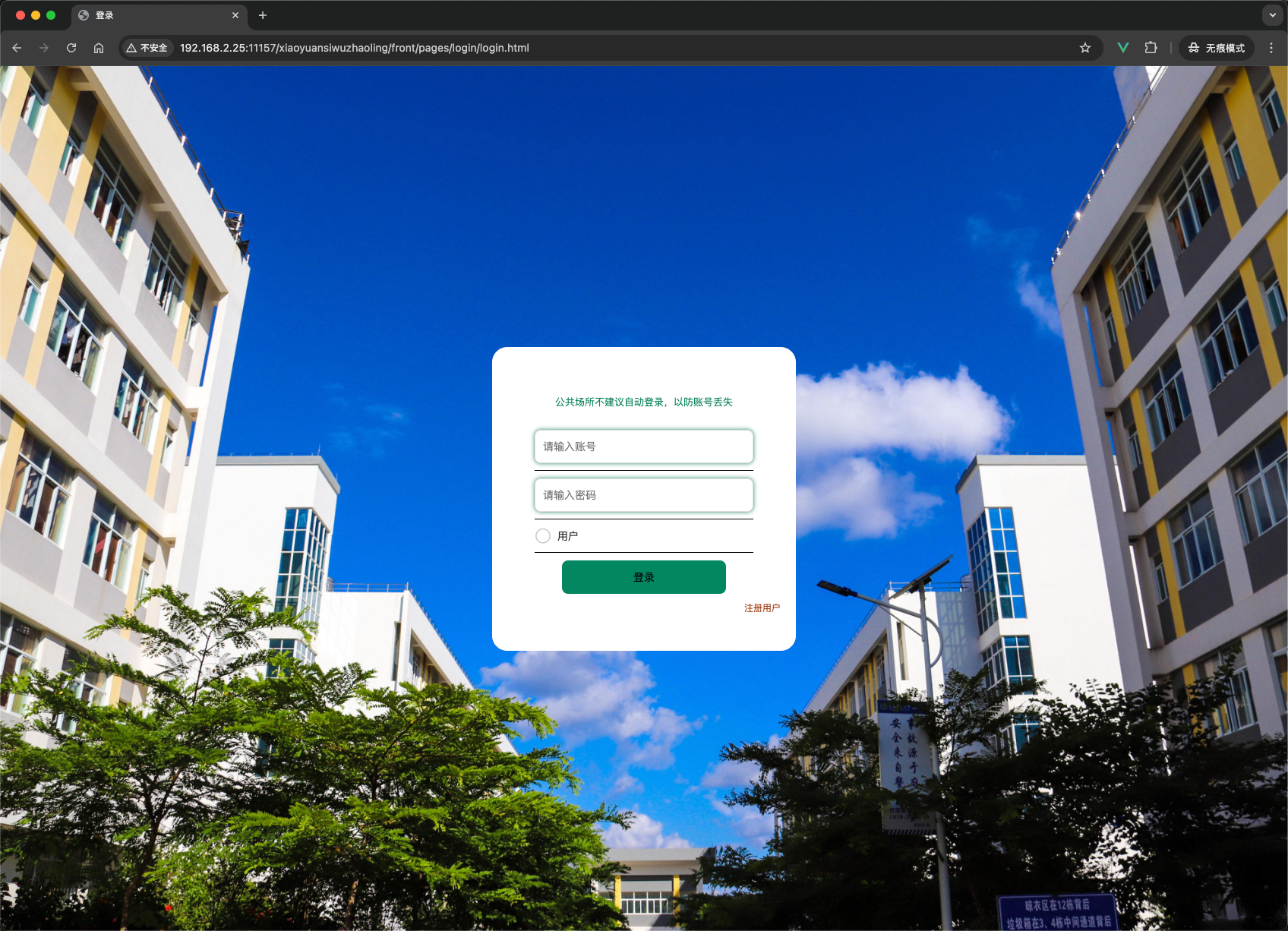
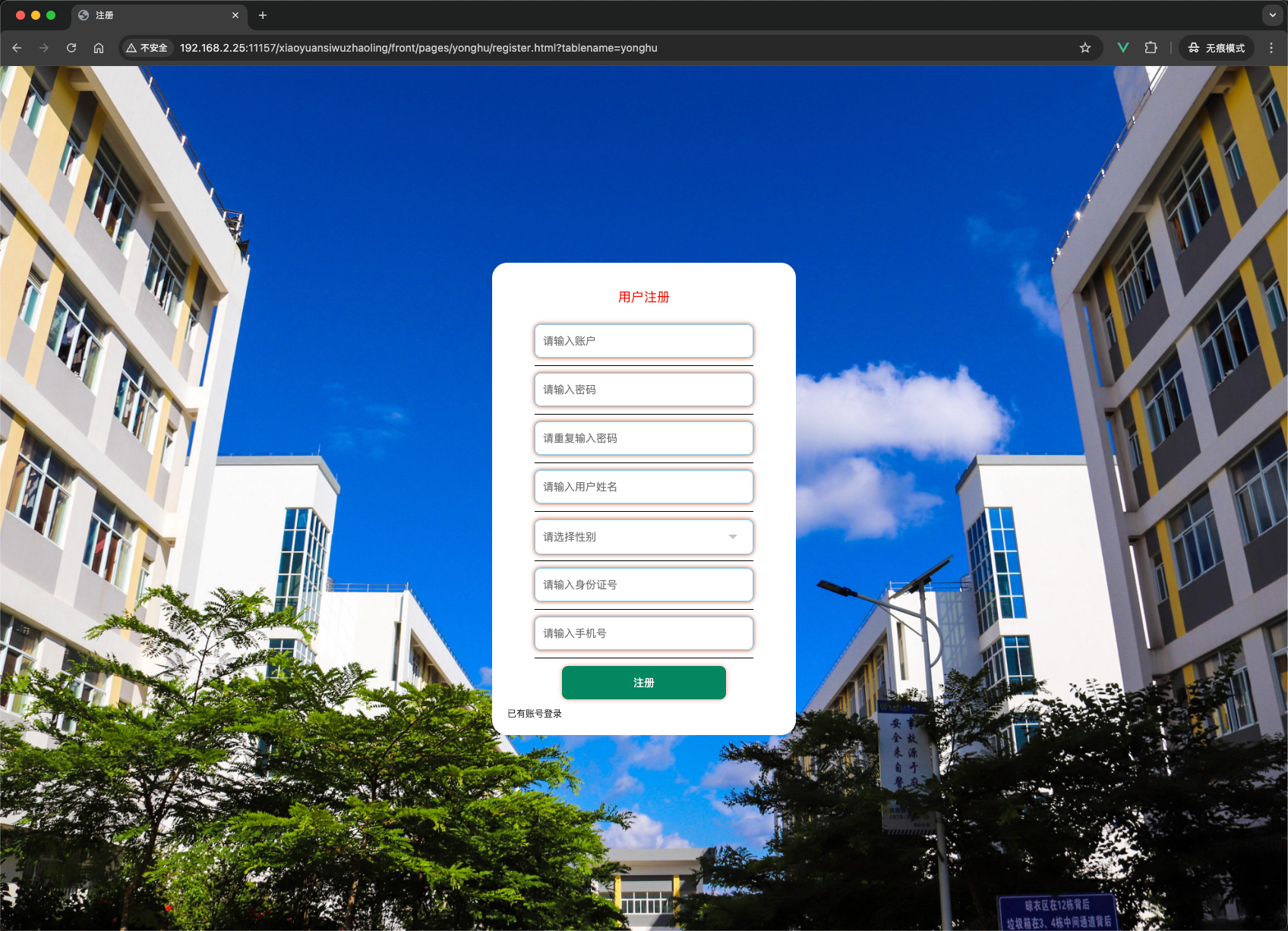
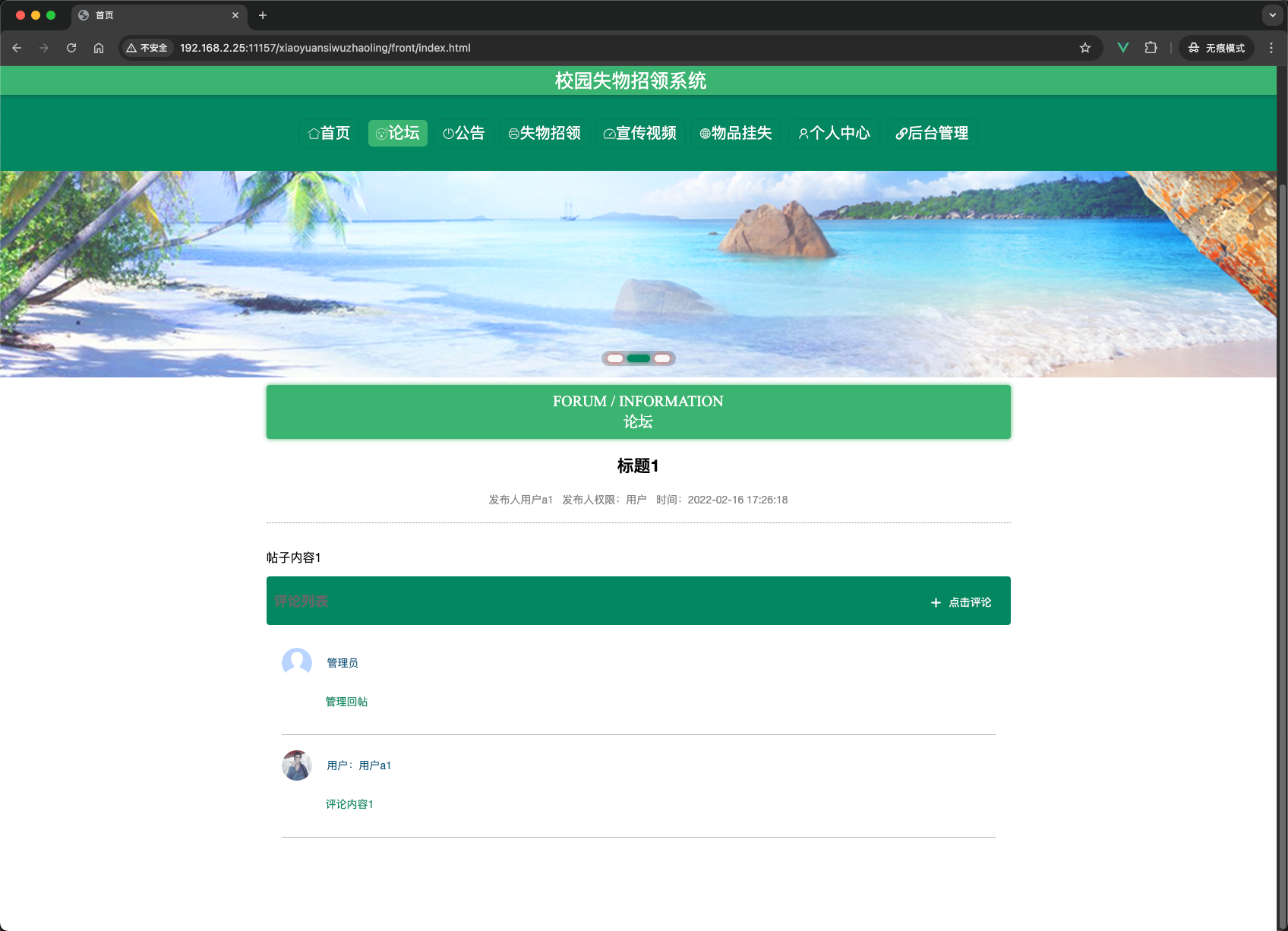
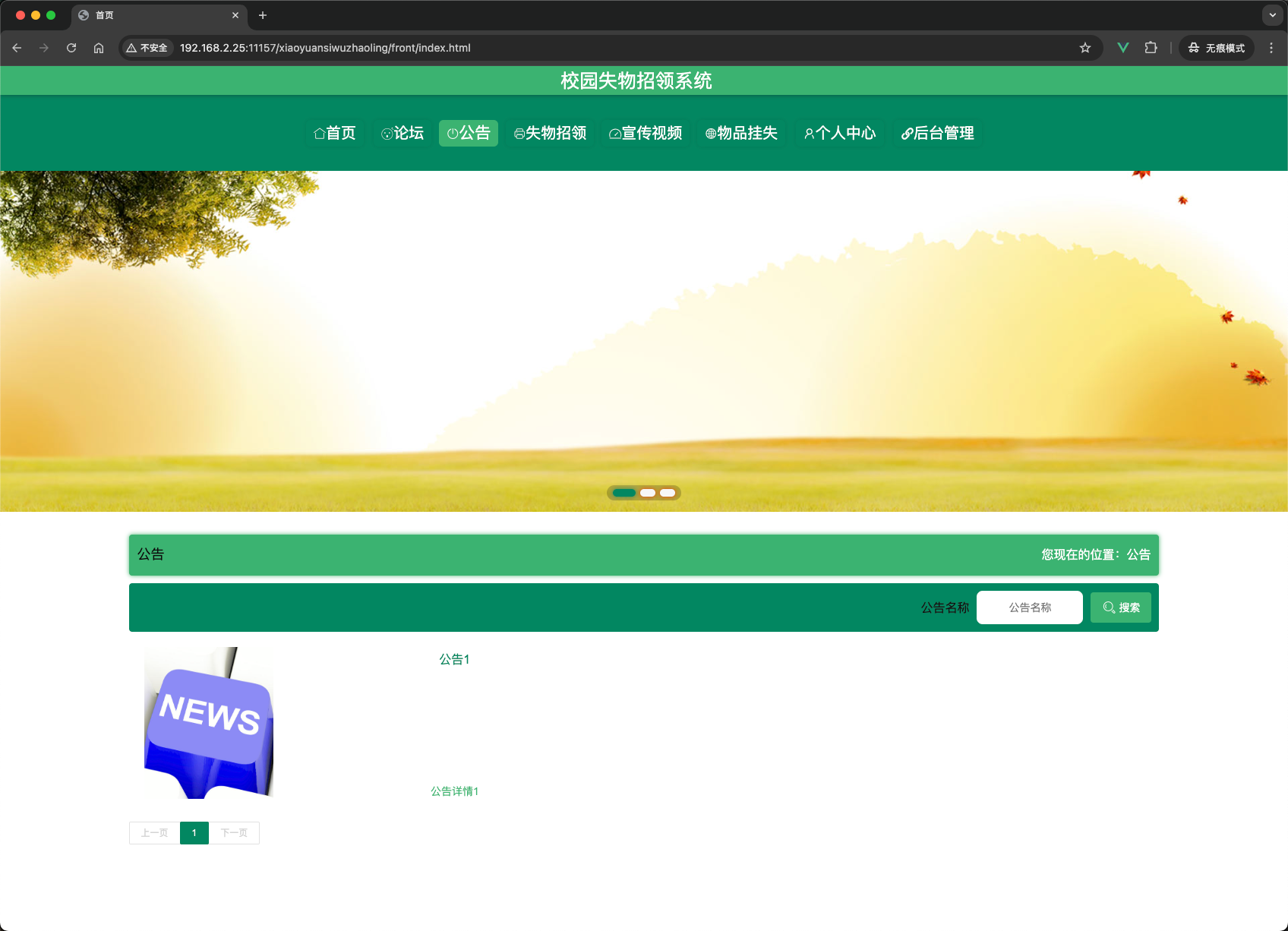
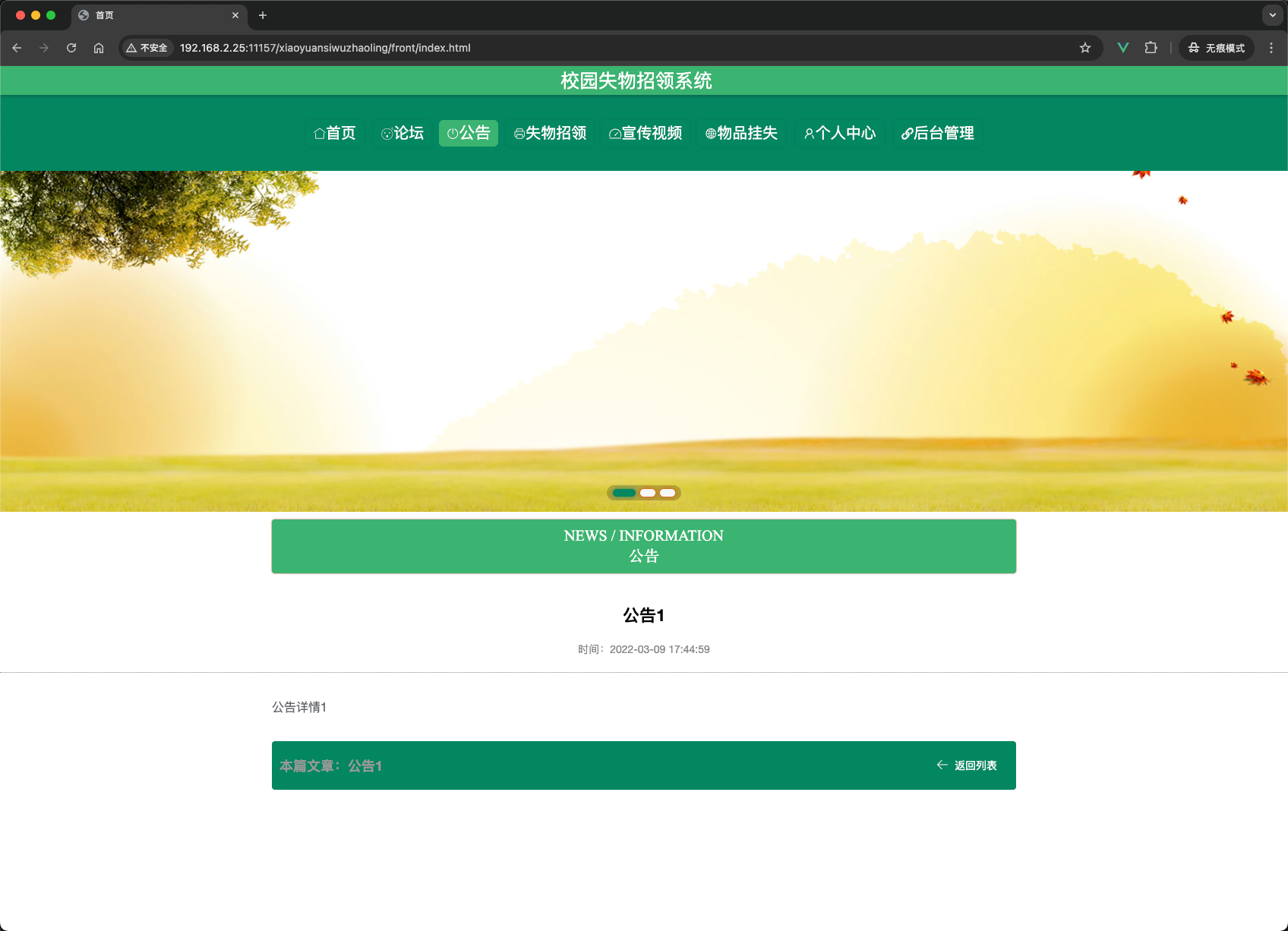
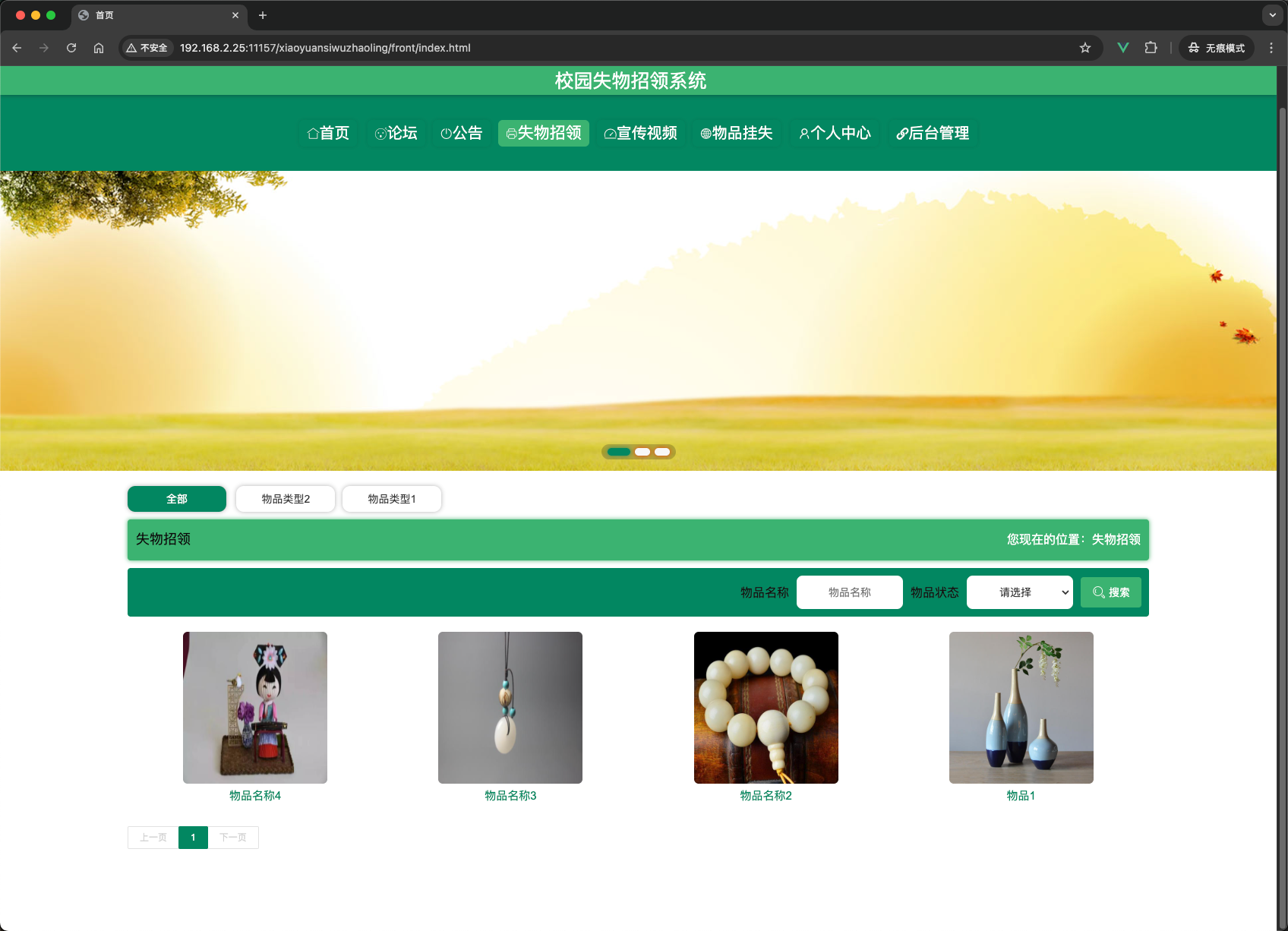
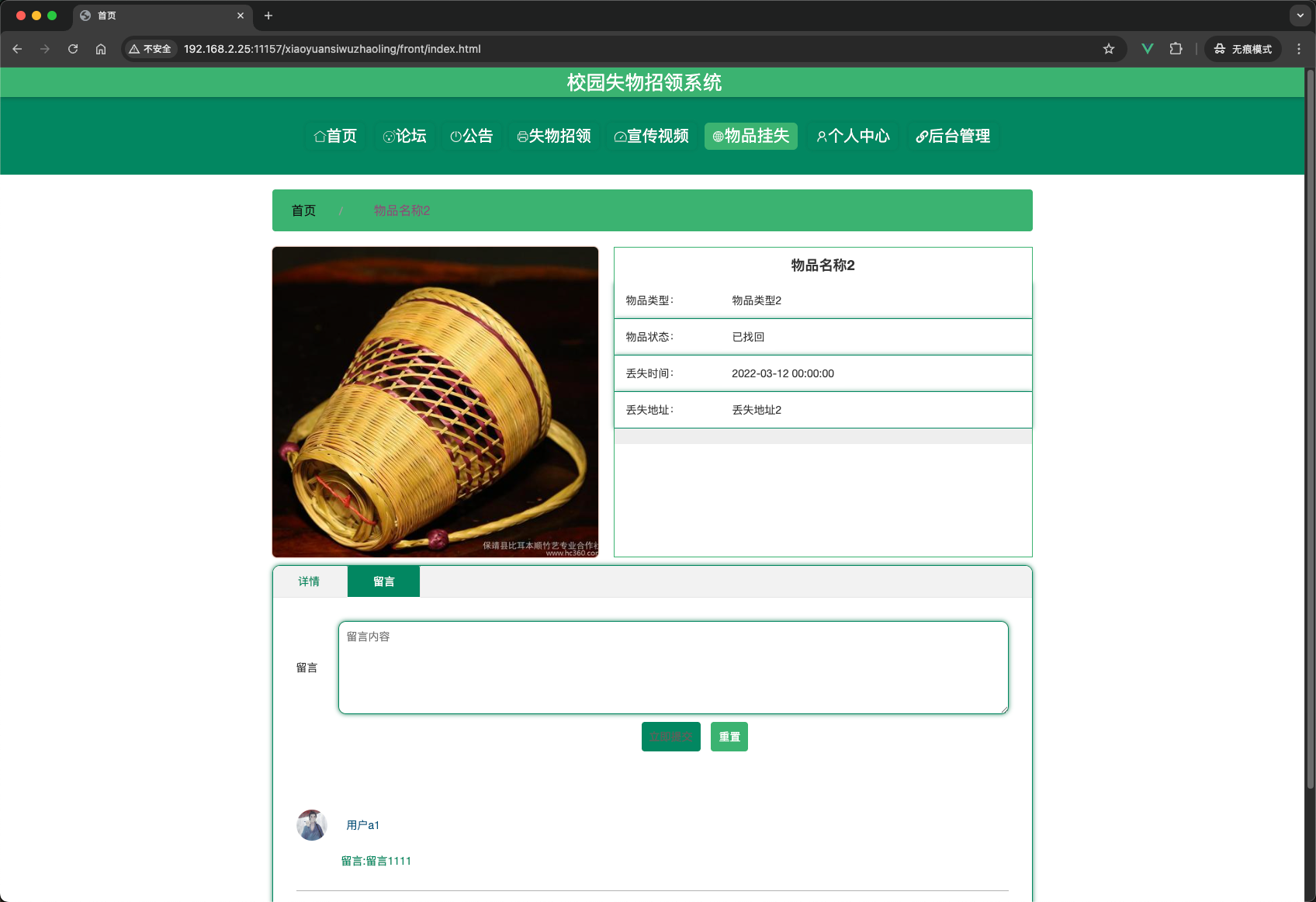
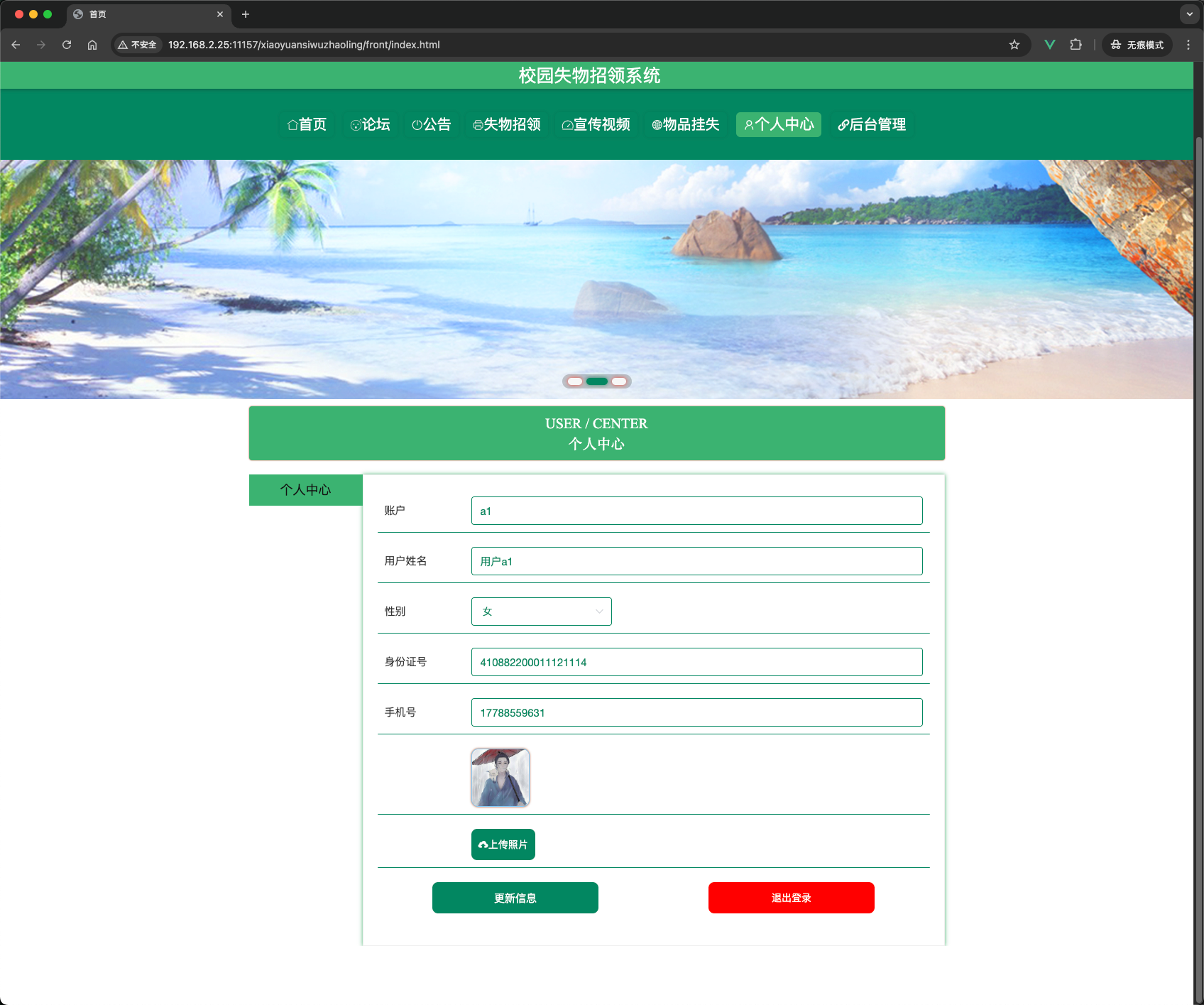
7. 项目总结
校园失物招领系统是一个功能完整、结构清晰的Java Web项目,具备以下特点:
- 双角色权限:管理员与用户分别拥有不同的操作权限,后台采用Token认证机制保证接口安全。
- 完善的业务闭环:从发布失物/挂失 → 留言互动 → 认领申请 → 管理员审核 → 状态变更,形成完整的失物处理流程。
- 响应式前端:用户端使用layui + Vue,适配PC和移动设备;管理端使用Vue + Element UI,界面美观易用。
- 数据字典管理:通过统一的
dictionary表管理所有下拉选项(物品类型、状态、性别等),便于维护和扩展。 - 文件上传支持:支持图片、视频上传,文件存储在服务器本地
/upload目录。 - 可扩展性:代码结构清晰,基于MyBatis-Plus快速开发,预留了百度地图、人脸识别等扩展接口。
通过本系统的开发,可以学习到Spring Boot + MyBatis-Plus的整合使用、前后端分离架构、Vue.js开发管理后台、以及典型业务系统的设计思路。
正文到此结束
- 本文标签: Java Spring Spring Boot
- 本文链接: https://blog.xiaobias.com/article/49
- 版权声明: 本文由十五喵原创发布,转载请遵循《署名-非商业性使用-相同方式共享 4.0 国际 (CC BY-NC-SA 4.0)》许可协议授权
热门推荐
相关文章
关于我

毕业设计源码
毕业设计源码,毕业设计,源码,源码下载,编程代码,前端开发,后端开发,小程序源码,开源项目,学习资源